DeskClip is a clipboard manager and text template organizer that keeps your frequently used snippets, file resources, and clipboard history at your fingertips. Paste anything instantly with a keyboard shortcut — no more digging through old messages or documents to find that text you copied last week.
Why DeskClip
- Never Lose a Copy — DeskClip automatically monitors your clipboard and saves up to 500 items. Every piece of text or file you copy is preserved and searchable.
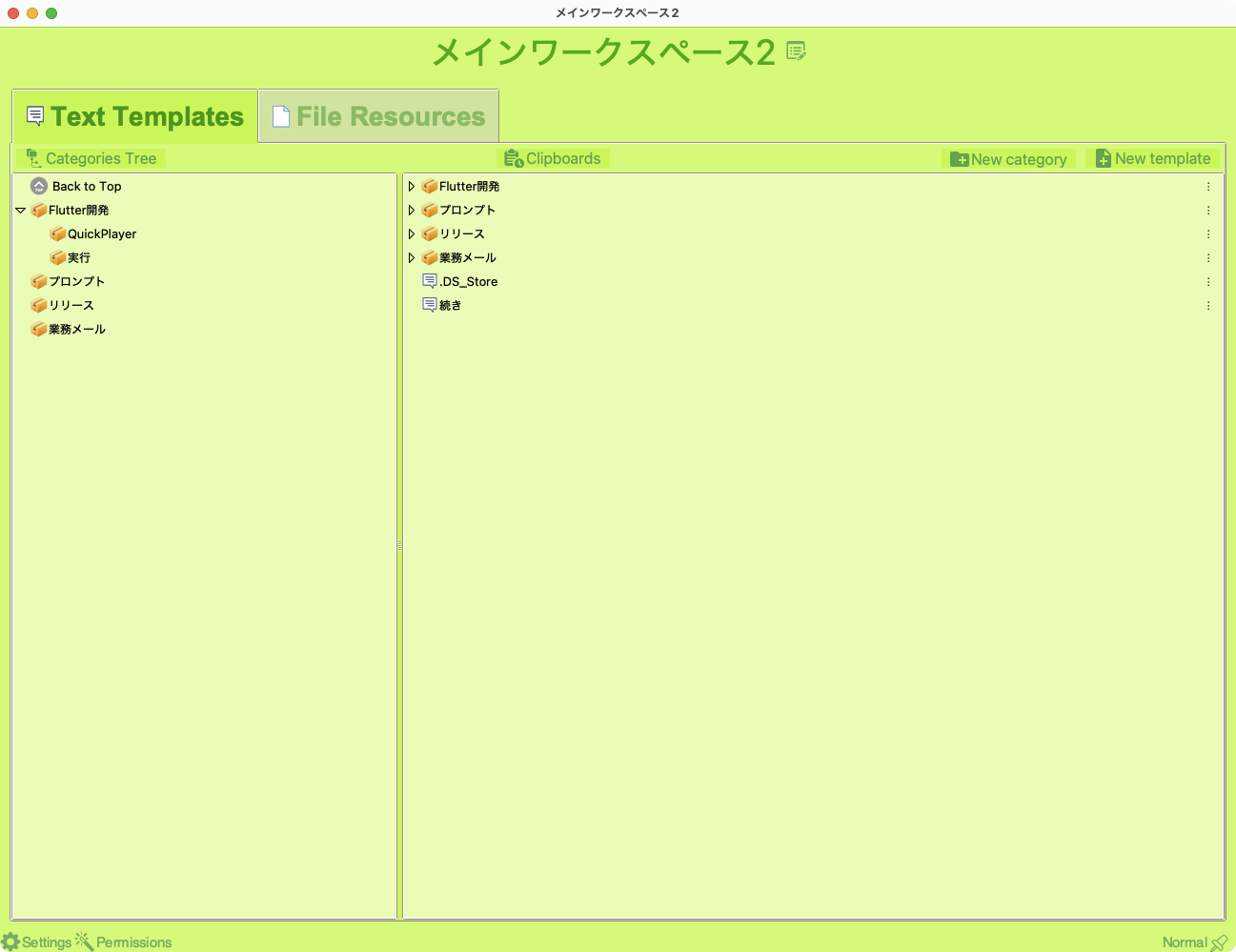
- Instant Access — Organize text templates and file resources in folder categories, then paste them with a single shortcut. No more retyping.
- Always Ready — A status icon in your menu bar gives you quick access to templates, history, and utilities without switching windows.
Key Features
- Text template management — Create, edit, and organize reusable text snippets in a folder-based tree structure
- File resource management — Store and access frequently used files organized by category
- Clipboard history — Automatically captures up to 500 clipboard items with continuous monitoring
- Drag & drop support — Drag text or files directly into DeskClip to create new templates
- Status icon menu — Quick access from your menu bar without opening the main window
- Built-in utilities — Date/time stamps, UUID generator, text transforms (camelCase, snake_case, UPPER, lower, full-width/half-width), lorem ipsum, and more
- Personal data quick-paste — Store email, phone, address, and URLs for instant insertion
- Multi-language interface — 80+ languages supported
- Customizable theme colors
Perfect For
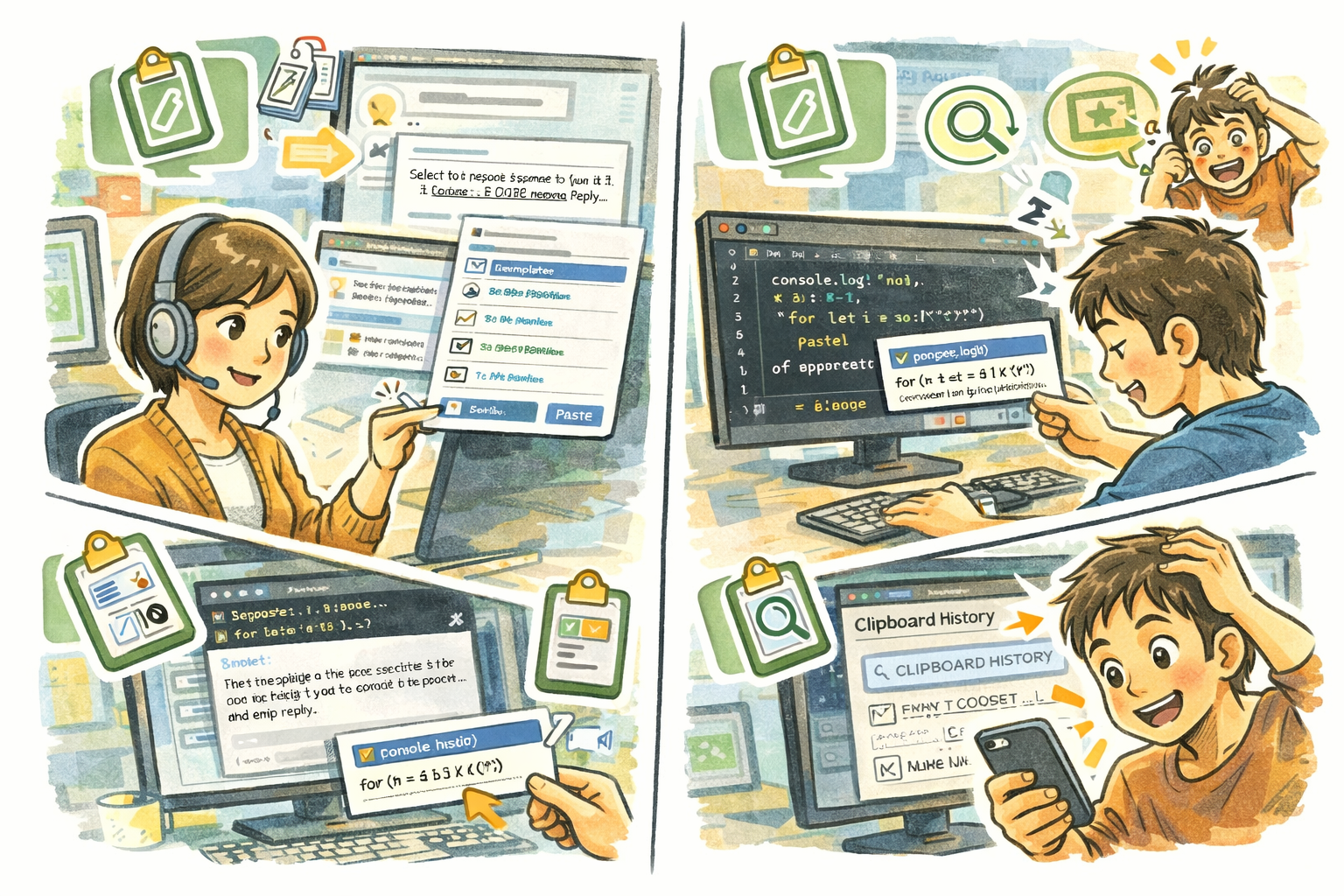
- Customer support agents who paste the same responses dozens of times a day
- Developers who need quick access to code snippets, UUIDs, and text transformations
- Writers and editors who work with recurring phrases, boilerplate text, and formatting
- Anyone who has ever lost something important from the clipboard
Getting Started
- Launch DeskClip — it starts monitoring your clipboard immediately
- Create your first text template: click the + button in the Text Templates tab
- Organize templates into folders by dragging and dropping
- Press Ctrl+Cmd+V to paste the selected template directly into any app
- Check the Clipboard History tab to find anything you copied earlier
Privacy
- All data is stored locally on your computer
- No clipboard content is sent to any external server
- No analytics, telemetry, or tracking of any kind
- DeskClip never connects to the internet