DeskLLM is a desktop AI chat application that runs large language models entirely on your computer. Your conversations never leave your device — no internet connection required, no cloud services, no subscriptions.
Why DeskLLM?
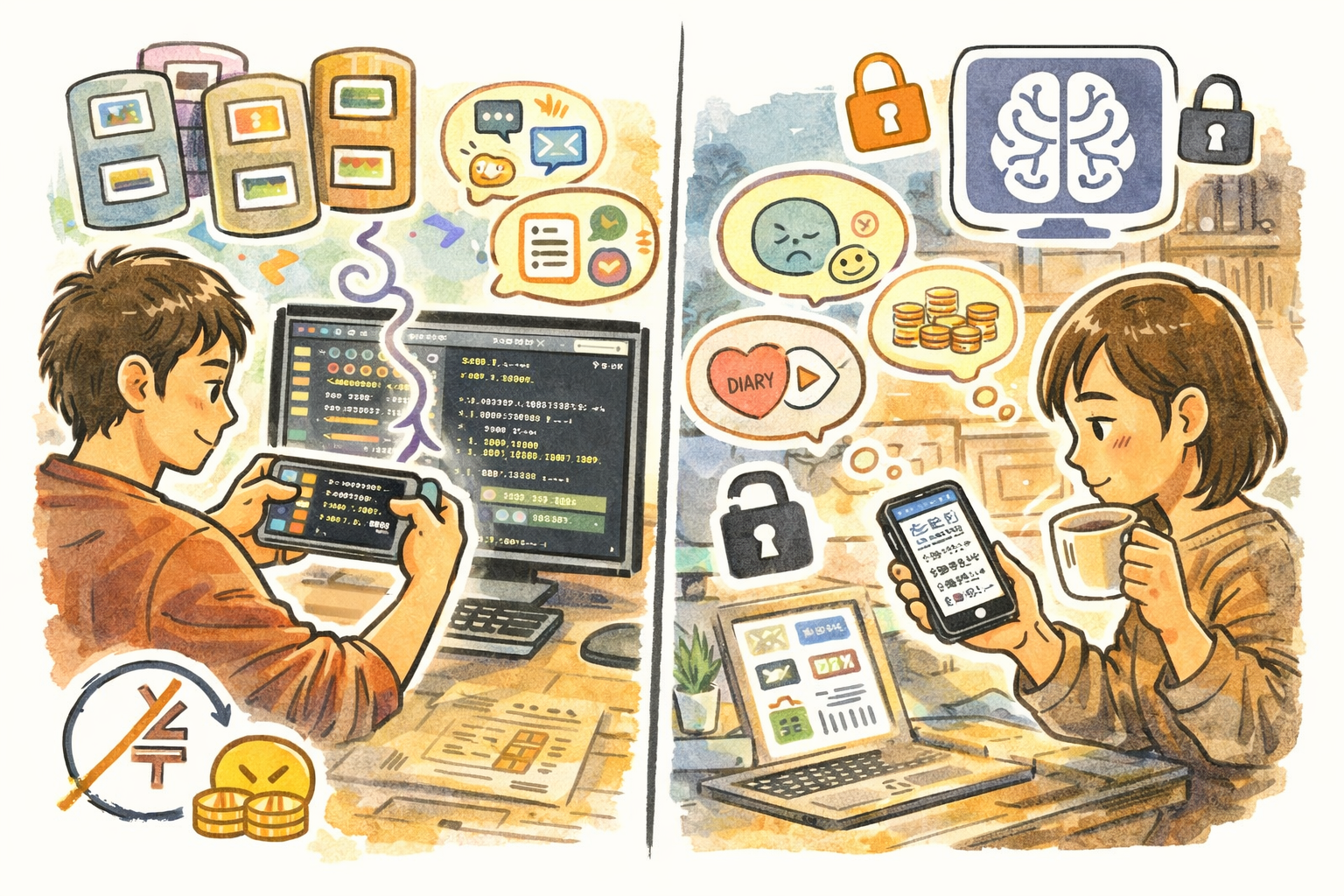
- 100% Private — Every conversation stays on your computer. No data is sent to any server. No account required.
- 100% Offline — Download a model once, then use it anytime — on a plane, in a cafe, or anywhere without internet.
- 100% Free to Use — No subscription fees, no per-message charges, no token limits. Chat as much as you want.
Key Features
- One-click model download — Browse and install models from Hugging Face with a single click
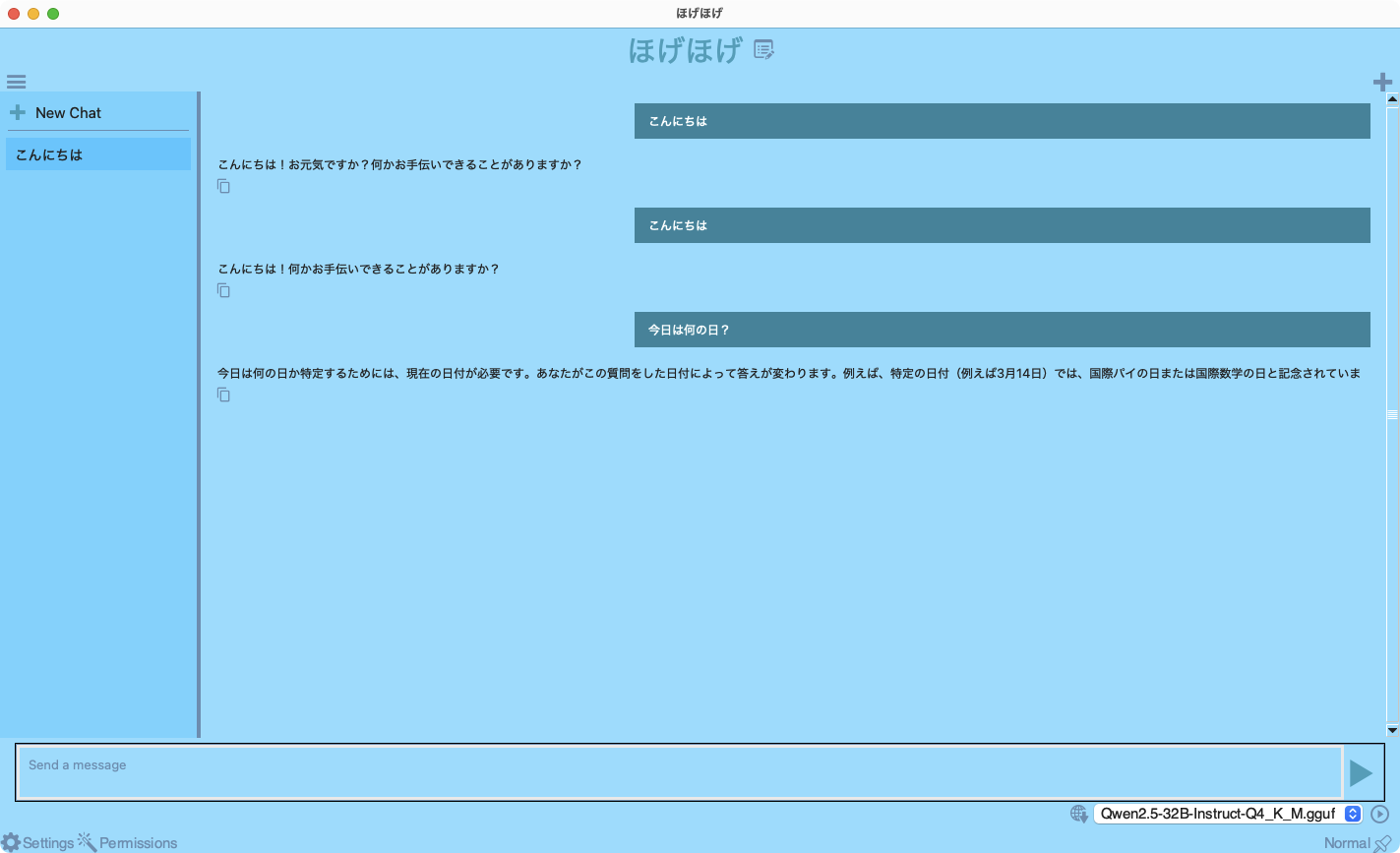
- Real-time streaming — Watch the AI respond token by token, just like cloud-based chat services
- Multiple conversations — Keep separate chat sessions organized in the sidebar
- Customizable AI behavior — Adjust temperature, response length, and system prompts
- Built-in REST API — OpenAI-compatible local API for scripts and tools
- Wide model support — Gemma, Llama, Qwen, Phi, Mistral, DeepSeek, and more
- Multi-language interface — 80+ languages supported
- Customizable theme colors
Choose Your Model
- Ultra Light (4 GB+ RAM) — Quick Q&A, simple tasks. Models: Qwen2.5-0.5B, Llama-3.2-1B
- Light (8 GB+ RAM) — Daily assistant, fast responses. Models: Qwen2.5-3B, Llama-3.2-3B
- Standard (16 GB+ RAM) — Writing, summarization, translation. Models: Gemma-2-9B, Qwen2.5-7B
- High-End (32 GB+ RAM) — Code generation, complex reasoning. Models: DeepSeek-R1-32B, Qwen2.5-32B
Perfect For
- Privacy-conscious users who don't want conversations stored on external servers
- Developers looking for a local AI API for prototyping and testing
- Writers and students who want an always-available writing assistant
- Professionals in restricted environments where cloud AI services are not permitted
- Anyone curious about AI who wants to explore without subscriptions or sign-ups
Getting Started
- Launch DeskLLM and click the download icon to open the Model Manager
- Choose a recommended model that fits your computer's RAM
- Type a message and press Return — the AI responds in real time
- Customize the system prompt to shape the AI's behavior
- Use the sidebar to manage multiple conversations
Privacy
- All AI processing happens locally on your computer
- No data is collected, transmitted, or stored on external servers
- Chat history is stored only on your local disk
- The only network access is downloading models from Hugging Face, initiated by you
- No analytics, telemetry, or tracking of any kind