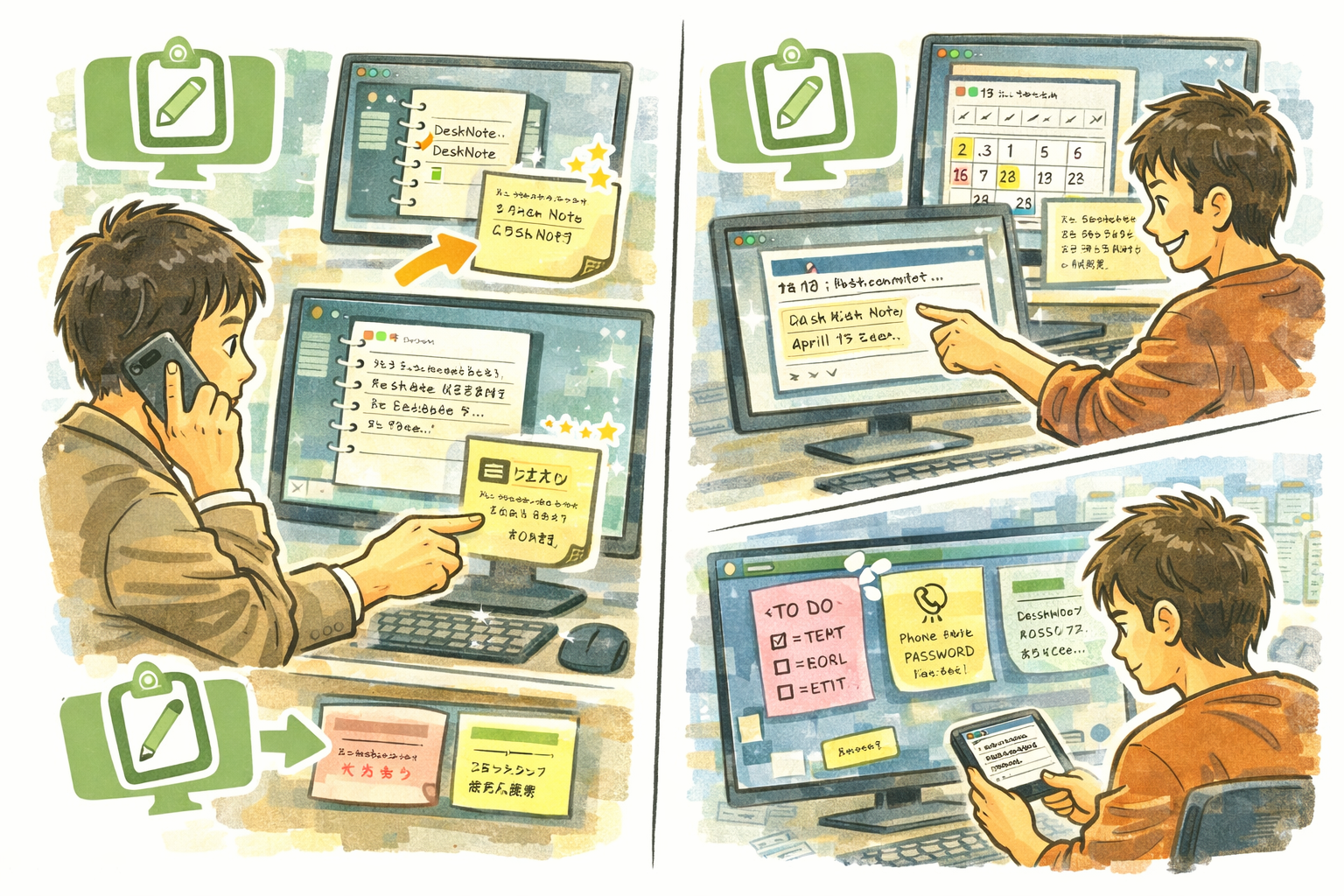
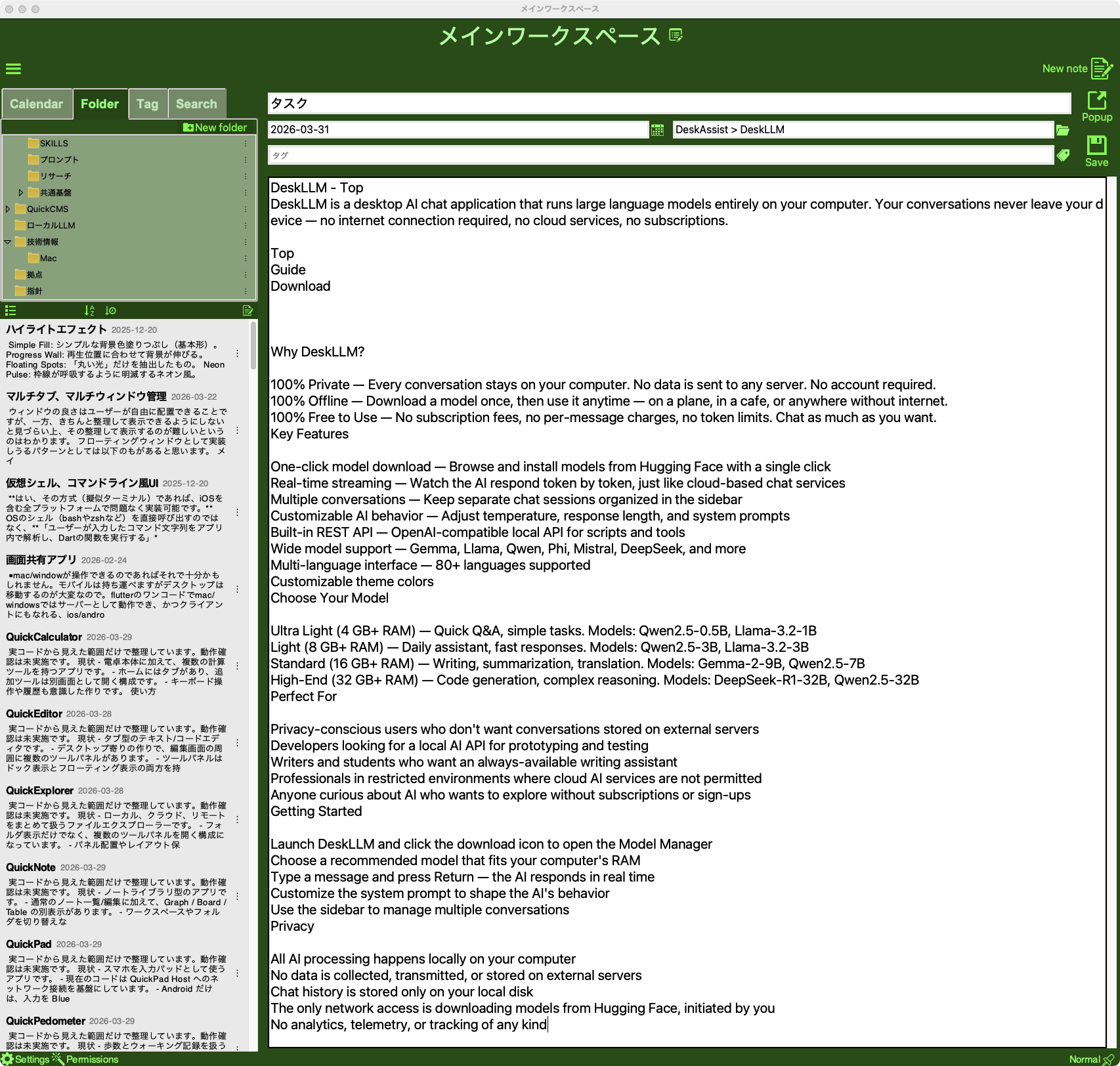
DeskNote is a note-taking app designed around how you actually think — browse notes by date on a calendar, organize them in folders with tags, and pin important notes as sticky notes that stay visible on your desktop. Your notes auto-save as you type, so you never lose a thought.
Why DeskNote
- Calendar-Based Browsing — See all your notes laid out on a calendar. Tap any date to jump to that day's notes instantly.
- Always Visible — Pop out any note as a sticky note that floats above all windows. Sticky notes auto-restore when you relaunch.
- Zero Effort Saving — Notes auto-save 300ms after you stop typing. No save button, no lost work.
Key Features
- Calendar view — Browse and navigate notes by date with a built-in calendar widget
- Folder organization — Create nested folders to structure your notes by project, topic, or context
- Tag system — Add tags to notes for cross-folder searching and filtering
- Sticky notes — Pop any note out as an always-on-top window that auto-restores on relaunch
- Full-text search — Find notes by content with optional date range filtering
- Auto-save — Notes save automatically 300ms after the last keystroke
- Drag & drop import — Drop text files directly into the folder tree to create new notes
- Per-note theme customization — Customize individual note appearance
- Multi-language interface — 80+ languages supported
- Customizable theme colors
Perfect For
- Daily journalers who want to browse past entries by date on a calendar
- Students and researchers who need to organize notes by subject and tag
- Professionals who keep reminders and reference notes visible on their desktop
- Anyone who wants a fast, distraction-free writing space that never loses work
Getting Started
- Launch DeskNote and click + to create your first note
- Start typing — your note saves automatically as you write
- Use the folder panel to organize notes into categories
- Right-click a note and select "Sticky Note" to pin it to your desktop
- Click any date on the calendar to browse notes from that day
Privacy
- All notes are stored locally on your computer
- No data is sent to any external server
- No analytics, telemetry, or tracking of any kind
- DeskNote never connects to the internet