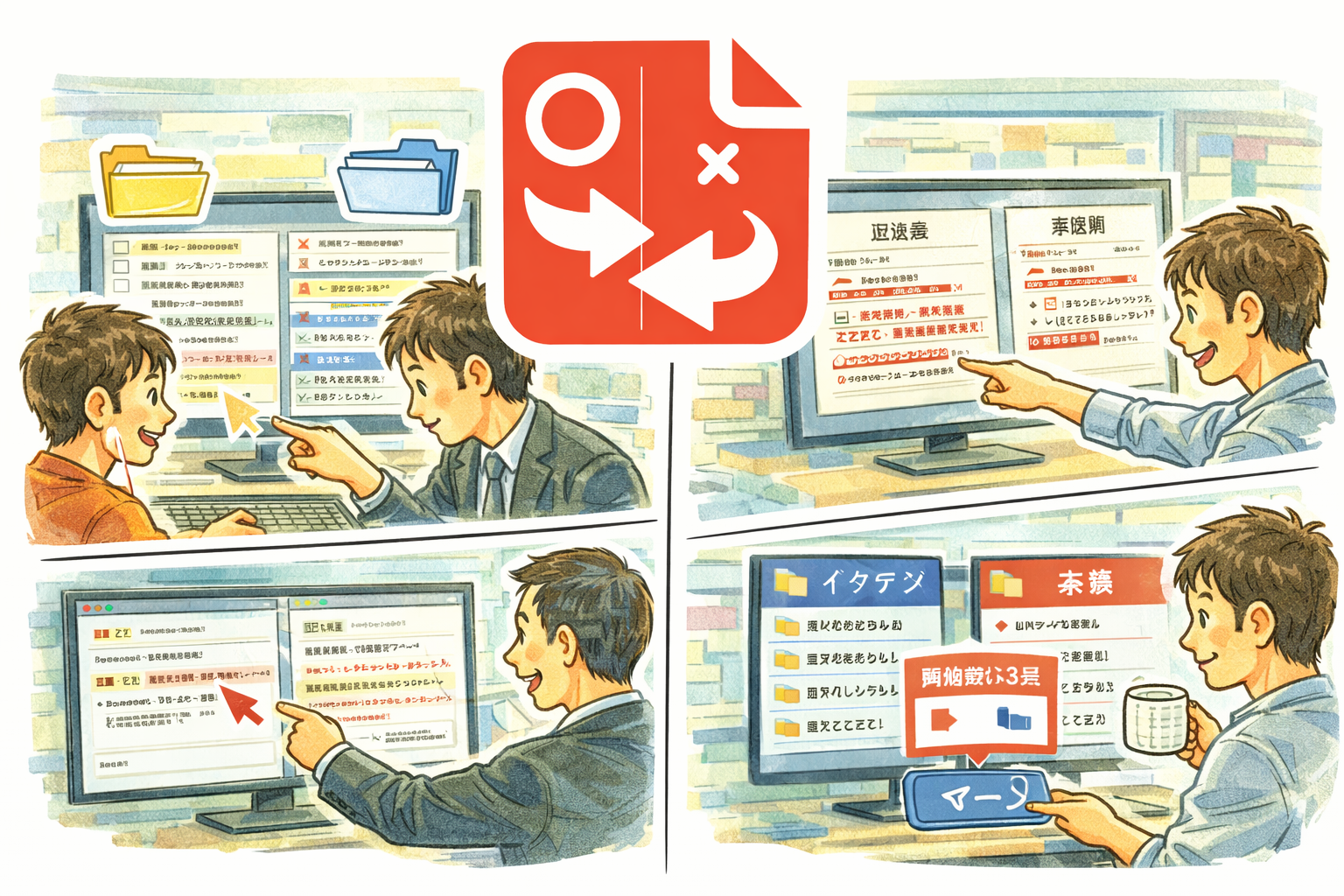
DiffMerge is a comprehensive comparison and merge tool that lets you visualize differences between directories, files, and text side by side. Color-coded highlights make it easy to spot changes at a glance, while bidirectional merge with full undo and redo support gives you complete control over how changes are applied.
Why DiffMerge
- Compare entire directory trees or individual files with multiple comparison methods including size, timestamp, and content-based analysis
- Line-level and word-level diff with fuzzy matching catches both obvious and subtle text changes
- Bidirectional merge lets you push changes left or right with full undo and redo support
- Automatic encoding detection handles files in any character set without manual configuration
Key Features
- Directory comparison with size, timestamp, and content-based methods
- Text comparison with line-level and word-level diff highlighting
- Fuzzy matching to detect similar but not identical lines
- Bidirectional merge with complete undo and redo history
- Automatic encoding detection for international text files
- Binary file support with hex dump display
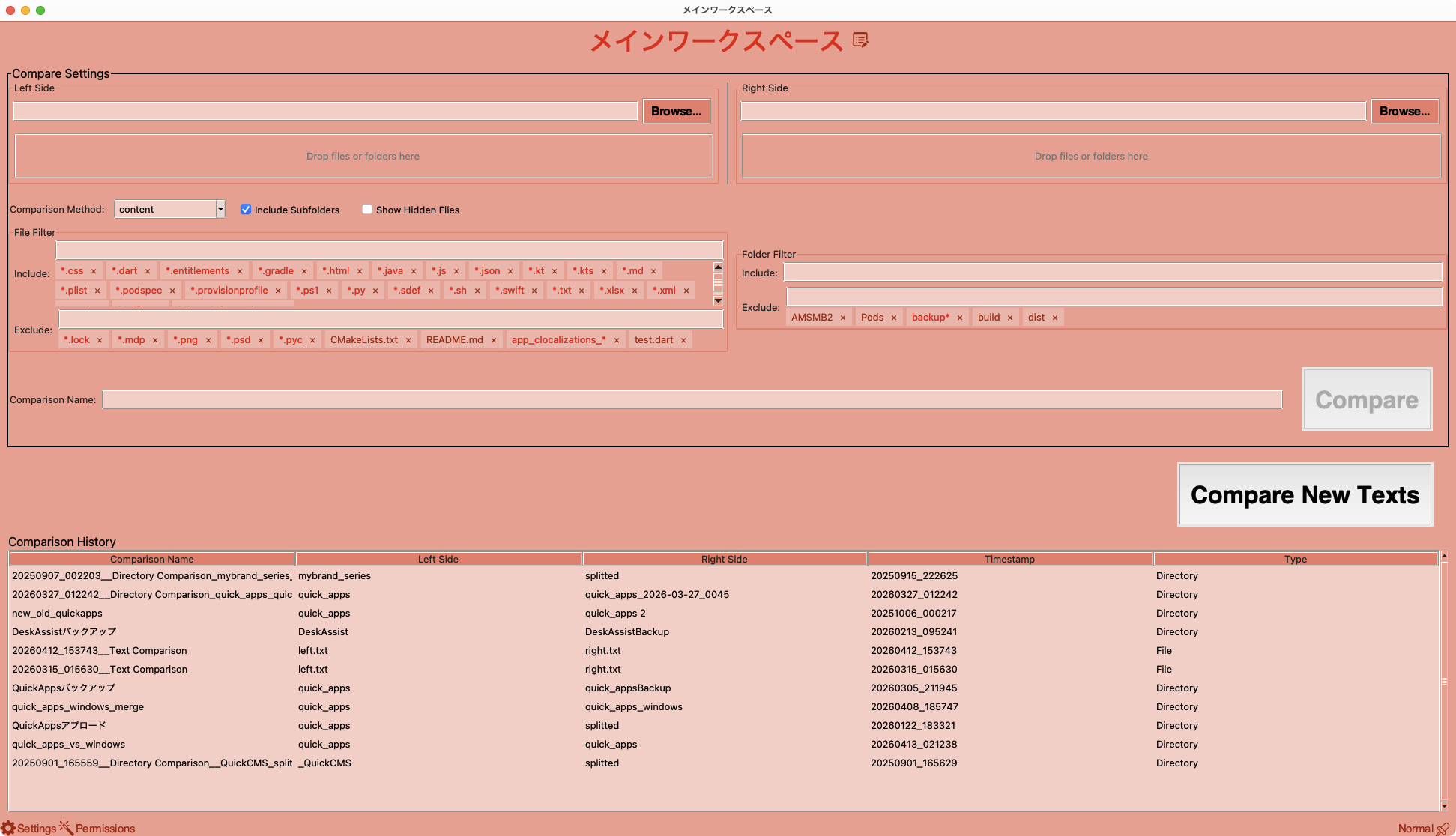
- Comparison history for quick access to previous sessions
- Customizable diff highlight colors
- Context menu with copy path and other convenience actions
Perfect For
- Developers comparing code revisions and merging branches
- System administrators synchronizing configuration files across servers
- Writers and editors tracking changes between document versions
- Anyone who needs to compare folders, files, or text quickly and accurately
Getting Started
- Select two folders or files to compare using the file browser or drag and drop
- Review color-coded differences in the side-by-side view
- Navigate between changes using the diff navigation buttons
- Merge changes in either direction and use undo if you change your mind
Privacy
- DiffMerge runs entirely on your Mac with no network access required
- No data is collected, transmitted, or shared with any third party
- All comparisons and merge operations are performed locally on your device