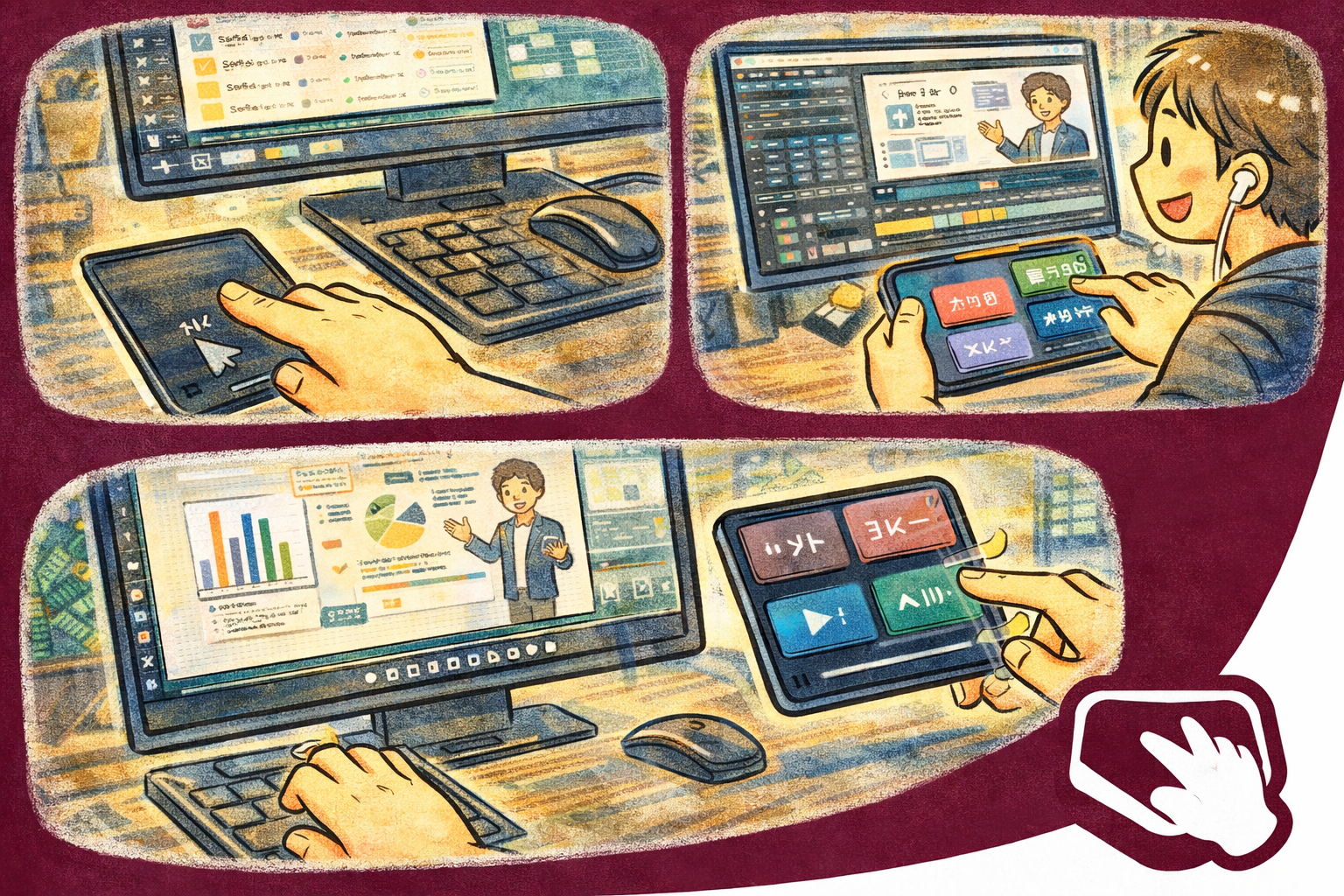
QuickPad transforms your smartphone into a wireless trackpad, extended keyboard, and macro pad for your computer. Move cursors with a swipe, type with a full keyboard, trigger macros with one tap, and launch apps from a customizable grid — all from the device already in your hand.
Why QuickPad?
- Instant trackpad — Smooth, responsive cursor control right from your phone's touchscreen
- Beyond a mouse — Extended keyboard, macro pad, media controls, and app launcher in one tool
- Guided secure pairing — Discover a QuickPad host on your LAN, verify the pairing code, and approve input control on the computer
Key Features
- Trackpad Surface — Full touchscreen cursor control with tap-to-click, two-finger scroll, and adjustable sensitivity
- Extended Keyboard — A complete keyboard layout with function keys, modifiers, and special characters your physical keyboard may lack
- Click Buttons — Dedicated left, right, and middle click buttons with drag-lock support
- Cursor Bookmarks Bar — Save screen positions and jump the cursor to them instantly. Perfect for repetitive workflows
- Macro Pad — Assign key sequences, shortcuts, or text snippets to single-tap buttons for rapid execution
- Media Controls — Play, pause, skip, and adjust volume without switching windows on your PC
- App Launcher Grid — A customizable grid of application shortcuts to open programs on your computer with one tap
- Session Management — Save and restore connection profiles for different computers or workstations
- Theme Customization — Light and Dark modes with Vivid and Chic variants. Adapts to your system preference
Controls
- Trackpad — Swipe to move the cursor. Tap to click. Two-finger gestures for scroll and zoom
- Keyboard — Full layout with modifier keys, arrows, and a numeric row
- Macros — One-tap shortcuts for complex key combinations or typed phrases
- Media — Transport controls for any media player running on your PC
- Launcher — Grid of app icons to open software on your computer remotely
Perfect For
- Couch computing and media center control from across the room
- Presentations and demos where you need wireless cursor control
- Left-hand device users who want a secondary input surface
- Streamers and content creators needing quick macro triggers
- Desk setups where a traditional mouse is impractical
Getting Started
- Install and open QuickPad Host on your Mac or Windows computer
- Keep both devices on the same LAN, discover the host or enter its IP address, and verify the matching pairing code
- On macOS, approve the QuickPad Input Driver in Login Items & Extensions when prompted
- Once paired and approved, swipe the trackpad surface to move your cursor
- Explore the keyboard, macro pad, and launcher tabs to unlock full functionality
- Save your connection as a session for instant reconnection next time
Privacy & Security
- No account required — start using immediately
- Input commands, pairing secrets, sessions, and macros are handled locally between your devices
- QuickPad does not read other apps' contents or capture what you type in them
- Core input control works on your local network; internet access is used for Store purchases, support links, and mobile advertising where applicable
- After the trial, mobile Free may show Google-provided advertising. See the Privacy Policy for current data-use details
- Session profiles are stored locally on your device
Trial, Free, and Pro
QuickPad starts with a seven-day trial. After the trial, every trackpad, keyboard, macro, media, launcher, bookmark, and connection feature remains available in Free. Mobile Free may show advertising, while desktop Free may show a daily support reminder. QuickPad Pro removes those ads and reminders through a yearly subscription or a one-time lifetime purchase.