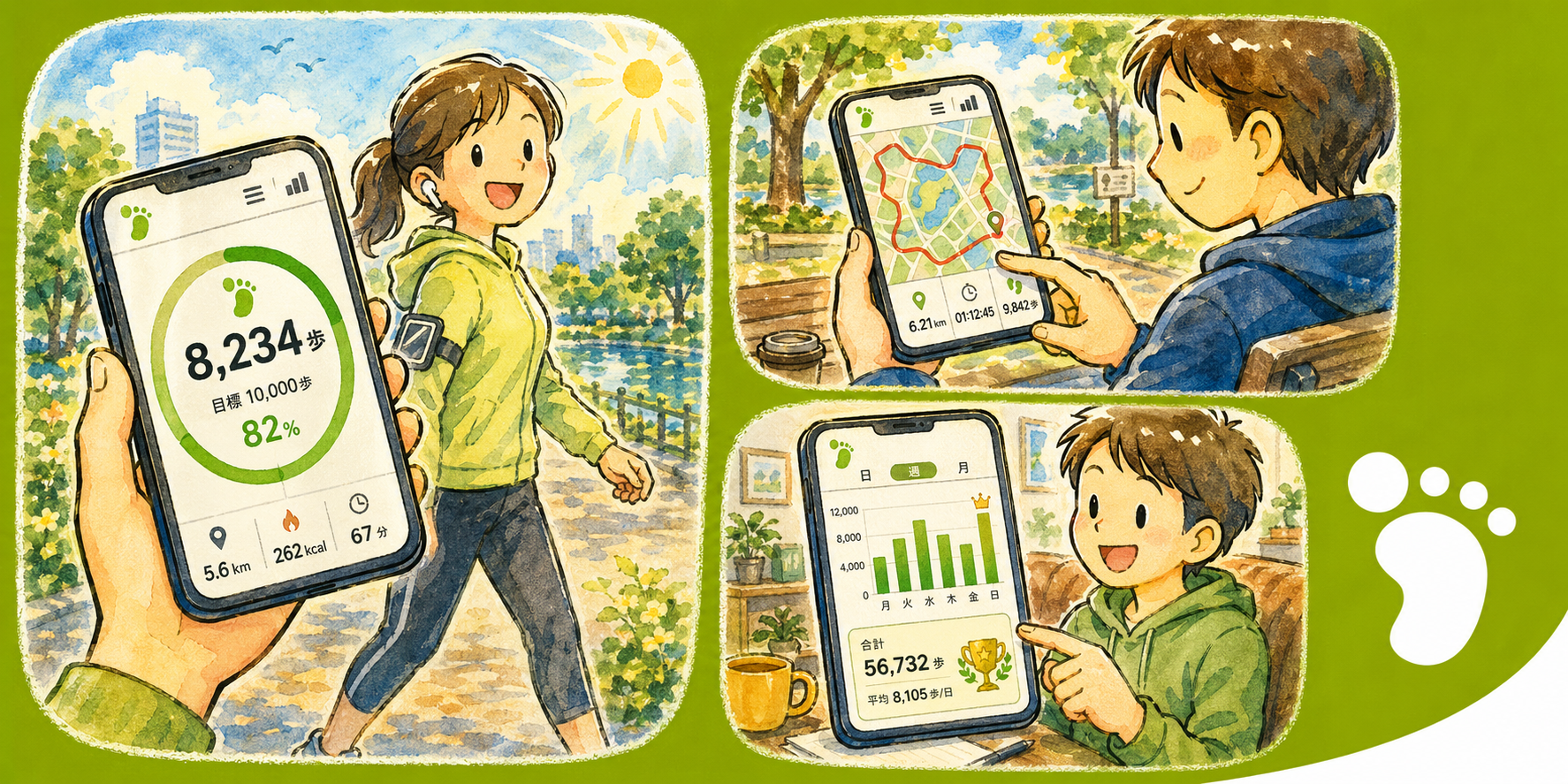
QuickPedometer is a straightforward step counter that tracks your walks, maps your routes, and helps you hit daily goals — without the complexity of a full fitness suite. Real-time step tracking, session history, and clean statistics keep you motivated and moving.
Why QuickPedometer?
- Simple and focused — A pedometer that does one thing well: count your steps accurately
- Visual routes — See your walking path on a map in real time as you move
- Privacy-first — No account, no cloud sync, no data harvesting. Your steps stay on your device
Key Features
- Real-time Step Tracking — Accurate step detection using your device's motion sensors with a live count display
- Route Map Display — Watch your walking path drawn on an interactive map as you go. Review completed routes anytime
- Daily Goals — Set a personal step target and track your progress with a visual ring that fills as you walk
- Statistics Dashboard — Daily, weekly, and monthly summaries of steps, distance, and calories burned
- Session History — Browse past walks with date, duration, step count, and route data for each session
- Health Integration — Sync step data with your device's health platform for a unified fitness overview
- Theme Customization — Light and Dark modes with Vivid and Chic variants. Adapts to your system preference
Tracking
- Steps — Precise motion-sensor-based counting with real-time updates on screen
- Distance — Automatic calculation based on step count and stride length
- Calories — Estimated calorie burn updated live as you walk
- Route — GPS-traced path displayed on the map with start and end markers
- Duration — Session timer showing total active walking time
Perfect For
- Daily walkers who want a simple, reliable step counter
- Anyone building a walking habit with achievable daily goals
- Hikers and explorers who want to see their routes on a map
- Health-conscious users tracking steps alongside other fitness data
- Privacy-focused individuals who prefer local-only data storage
Getting Started
- Launch the app and grant motion sensor permissions when prompted
- Tap the start button to begin tracking your steps
- Set a daily goal in Settings to see your progress ring fill up
- Enable location access to record your walking route on the map
- Review your history and statistics from the dashboard anytime
Privacy & Security
- No account required — start tracking immediately
- No data collection or analytics
- Step data and routes are stored locally on your device
- Health integration is optional and user-initiated
- No internet access needed for core functionality