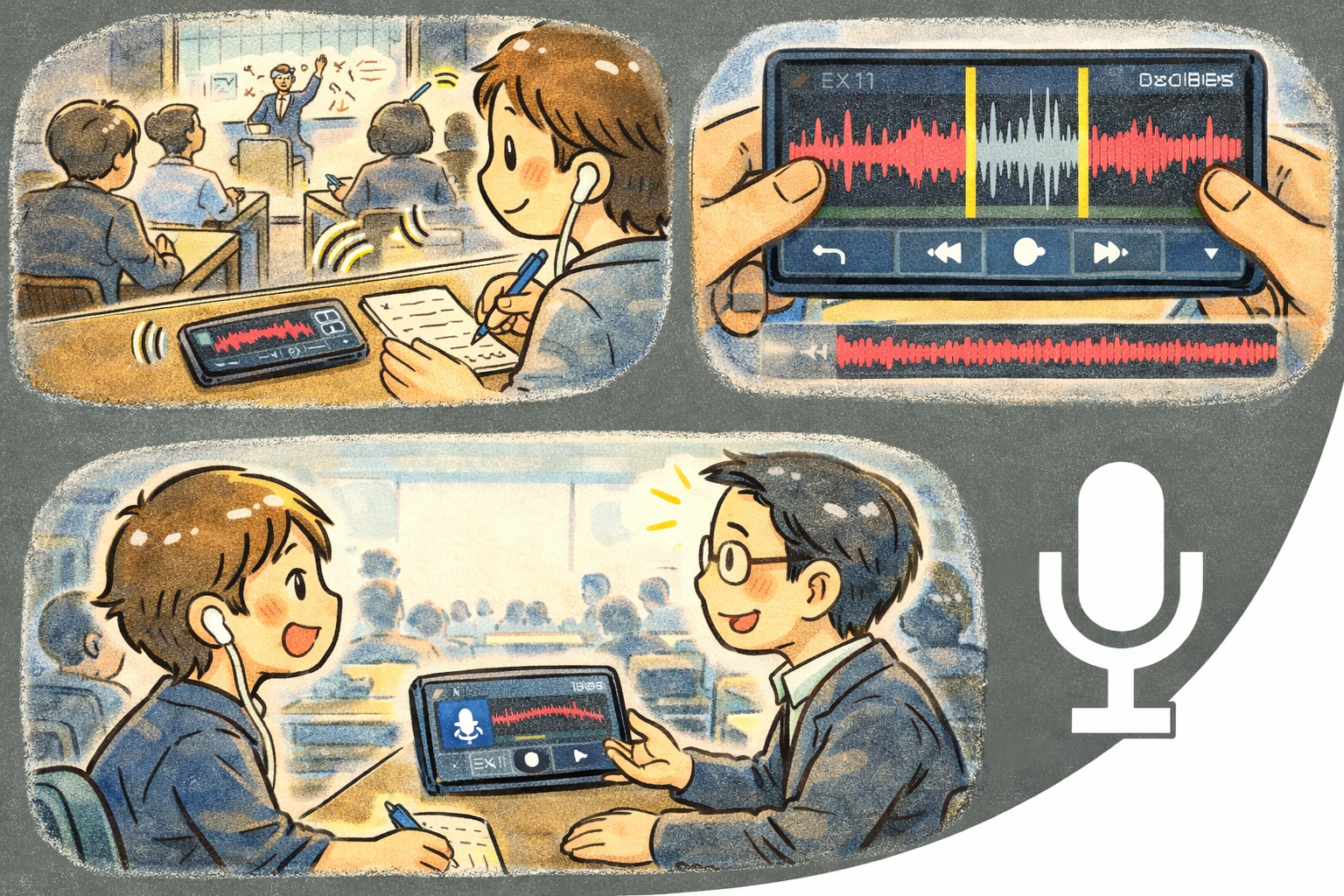
QuickRecorder is a professional-grade audio recorder with a real-time visualizer, precision waveform editor, and seamless cloud storage integration. Whether you're capturing lectures, interviews, voice memos, or field recordings, QuickRecorder delivers crystal-clear results with an interface designed for speed and clarity.
Why QuickRecorder?
- Instant capture — One tap to start recording with a live audio visualizer showing levels in real time
- Built-in editor — Trim, cut, and refine recordings without leaving the app
- Cloud-ready — Sync recordings to Dropbox, Google Drive, or OneDrive through the built-in VFS layer
Key Features
- Audio Visualizer — A responsive real-time display that reacts to your audio input, giving immediate visual feedback during recording
- Waveform Display — View the complete waveform of any recording for precise navigation and editing
- Mini Player — A compact, floating playback control that stays accessible while you work in other parts of the app
- Docked Playback Panel — A full-featured playback bar docked to the bottom of the screen with transport controls, timeline scrubbing, and level metering
- Waveform Editor — Select, trim, and cut audio segments with sample-accurate precision using visual waveform handles
- Cloud Storage (VFS) — Browse and manage recordings across Dropbox, Google Drive, and OneDrive through a unified virtual file system
- Keyboard Shortcuts — Full desktop support with shortcuts for record, play, pause, and editor actions
- Theme Customization — Light and Dark modes with Vivid and Chic variants. Adapts to your system preference
Recording
- One-tap recording — Hit the record button and capture audio immediately with zero configuration
- Live visualizer — Watch audio levels animate in real time as you record, so you always know your mic is picking up sound
- Pause and resume — Pause mid-recording and continue without creating a separate file
- Auto-naming — Recordings are automatically named with date and time for easy organization
Editing
- Waveform trimming — Drag handles on the waveform to select a range, then trim to keep only what you need
- Cut segments — Remove unwanted sections from the middle of a recording
- Non-destructive workflow — Preview edits before applying them. The original file is preserved until you confirm
- Export options — Save edited recordings as new files or overwrite the original
Cloud Storage
- Dropbox — Connect your Dropbox account and browse, upload, or download recordings directly
- Google Drive — Access your Drive folders to store and retrieve recordings from anywhere
- OneDrive — Sync with Microsoft OneDrive for cross-device access to your audio library
- Unified browser — All cloud providers appear in a single file browser through the VFS layer
Perfect For
- Capturing lectures, meetings, and interviews with reliable, clear audio
- Recording voice memos and quick audio notes on the go
- Field recording for podcasts, journalism, or creative projects
- Trimming and cleaning up recordings before sharing
- Backing up important audio to cloud storage automatically
Getting Started
- Tap the record button to start capturing audio immediately
- Watch the live visualizer to confirm your microphone is active
- Tap stop when finished — your recording is saved automatically
- Open any recording to view its waveform and play it back
- Use the editor to trim or cut, then save or export
- Connect a cloud account to sync recordings across devices
Privacy & Security
- No account required — start recording immediately
- No data collection or analytics
- Recordings are stored locally on your device by default
- Cloud sync is optional and only connects to services you explicitly authorize
- Microphone access is requested only when you initiate a recording