QuickScanner turns your device's camera into a powerful document scanner. Capture pages, detect edges automatically, correct perspective, and export clean PDFs — plus scan QR codes, edit images, and save to cloud storage. Everything you need to go paperless, in one app.
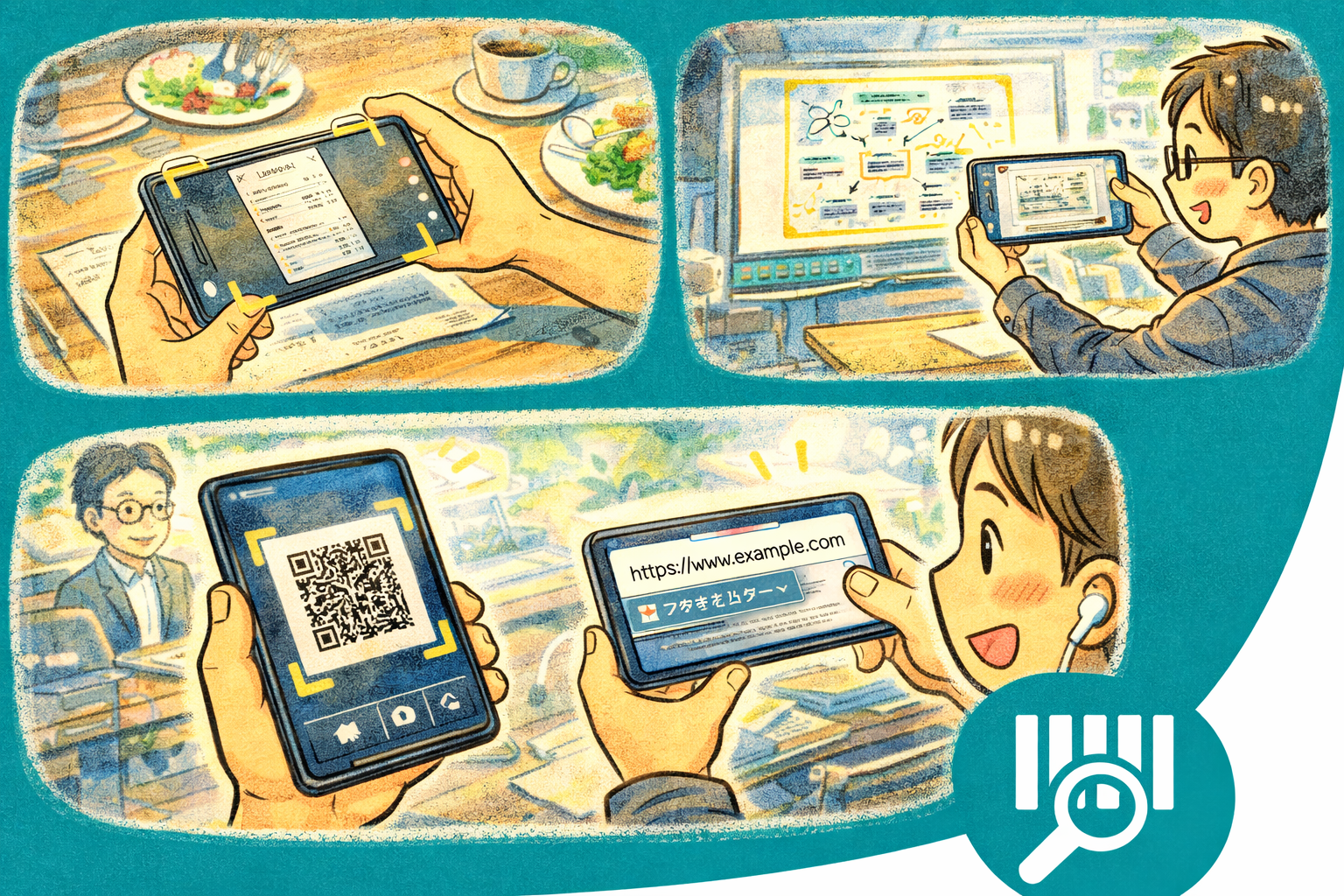
Why QuickScanner?
- Instant digitization — Point your camera at any document and get a clean, corrected scan in seconds
- All-in-one tool — Document scanning, QR code reading, image editing, and PDF export in a single app
- Privacy-first — No account required. Scans stay on your device unless you choose to export them
Key Features
- Camera Scan — Capture documents, receipts, whiteboards, and notes with your device camera
- Edge Detection — Automatic boundary recognition that outlines the document and crops the background
- Perspective Correction — Straightens skewed or angled shots into flat, readable pages automatically
- PDF Export — Combine single or multiple pages into a polished PDF document with one tap
- QR Code Scanner — Built-in QR and barcode reader that detects codes instantly from the camera feed
- Image Editing — Crop, rotate, adjust brightness and contrast, and apply filters to scanned images
- Multi-page Scanning — Batch-scan multiple pages into a single document with page reordering
- Cloud Storage — Save scans to your preferred cloud service for backup and cross-device access
- Theme Customization — Light and Dark modes with Vivid and Chic variants. Adapts to your system preference
Scanning
- Auto-detect — Edges are recognized in real time as you frame the document
- Manual adjust — Drag corner handles to fine-tune the crop area before saving
- Batch mode — Scan page after page without leaving the camera view
- Filters — Original color, grayscale, black & white, and enhanced-text modes
QR Code
- Instant detection — Point the camera at any QR code or barcode for immediate recognition
- Action support — Open URLs, copy text, connect to Wi-Fi, or add contacts from scanned codes
- History — Browse previously scanned codes with timestamps and content
Perfect For
- Students digitizing lecture notes, handouts, and textbook pages
- Professionals scanning contracts, receipts, and business cards
- Anyone going paperless by archiving documents as searchable PDFs
- Quick QR code scanning for links, Wi-Fi credentials, and contact info
- Travelers keeping digital copies of important documents on the go
Getting Started
- Launch the app and grant camera permissions when prompted
- Point your camera at a document — edges are detected automatically
- Tap the shutter button to capture, then adjust the crop if needed
- Add more pages or tap Export to generate a PDF
- Switch to QR mode from the toolbar to scan codes instantly
Privacy & Security
- No account required — start scanning immediately
- No data collection or analytics
- Scanned documents are stored locally on your device
- Cloud storage upload is optional and user-initiated
- No internet access needed for core scanning functionality