QuickTerminal is a full-featured terminal emulator that brings SSH, Telnet, Mosh, Serial, AWS SSM, and GCP IAP connections together in one streamlined interface. Manage remote servers, browse files over SFTP, run AI-powered agents, and enforce execution policies — all from a single, beautifully crafted workspace.
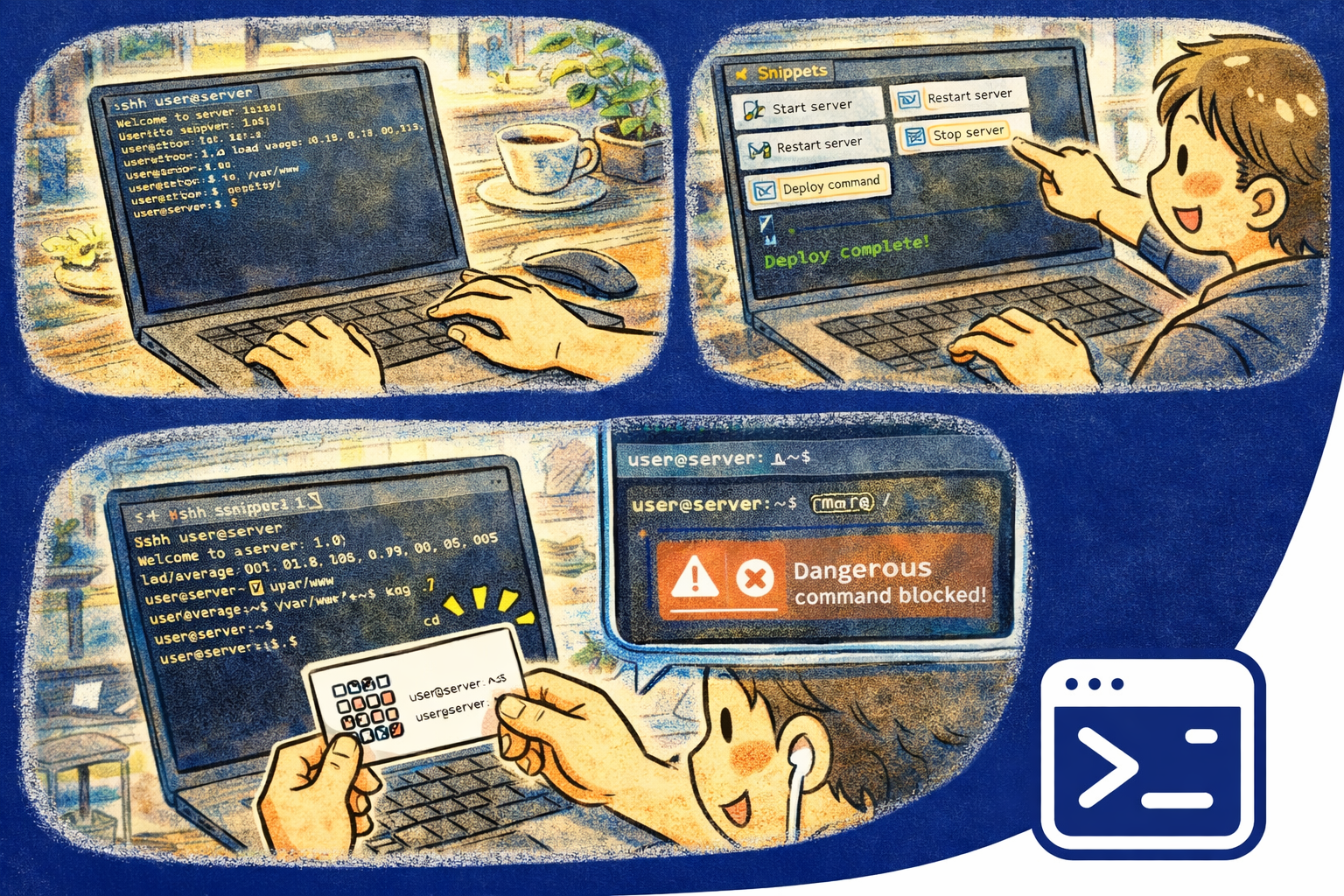
Why QuickTerminal?
- Unified access — SSH, Telnet, Mosh, Serial, AWS SSM, and GCP IAP connections in a single app with no extra tools needed
- Built-in safety — Execution policies sandbox commands, block dangerous operations, and require confirmation before risky actions
- AI-assisted workflows — On-device AI agents help you compose commands, explain output, and automate repetitive tasks
Key Features
- Session Management — Save, organize, and instantly reconnect to your servers. Group sessions by project, environment, or team
- SFTP Browser — Browse, upload, download, and manage remote files through an integrated graphical file browser
- AI Agents — Ask natural-language questions, generate commands, explain error output, and automate multi-step tasks
- Snippets — Store frequently used commands and insert them with a single click. Supports variables and parameterized templates
- Command Palette — Access every action instantly with a searchable command palette. No memorizing menus
- Execution Policies — Define sandboxing rules, block dangerous commands like
rm -rf /, and require confirmation for destructive operations - Local Shell — Full-featured local terminal with shell integration, working directory tracking, and command history
- Keyboard Shortcuts — Complete keyboard-driven workflow for power users. Every feature is accessible without a mouse
Supported Protocols
- SSH — Secure shell with key-based and password authentication, port forwarding, and agent forwarding
- Telnet — Classic Telnet connections for legacy systems and network equipment
- Mosh — Mobile-friendly remote shell that stays connected across network changes and high-latency links
- Serial — Direct serial port connections for embedded devices, routers, switches, and IoT hardware
- AWS SSM — Connect to EC2 instances through AWS Systems Manager without opening inbound ports
- GCP IAP — Tunnel into Google Cloud VMs via Identity-Aware Proxy for secure, firewall-free access
- Local Shell — Native terminal for your local machine with full shell integration
Security & Execution Policies
- Command blocking — Prevent accidental execution of destructive commands with configurable deny lists
- Confirmation prompts — Require explicit confirmation before running high-risk commands
- Sandboxing — Restrict command execution to specific directories or environments
- Audit logging — Keep a record of executed commands for compliance and review
- Encrypted credentials — All saved passwords and keys are stored with platform-native encryption
Perfect For
- System administrators managing fleets of servers across SSH and cloud providers
- DevOps engineers working with AWS, GCP, and hybrid infrastructure
- Network engineers configuring routers and switches over Serial and Telnet
- Developers who want AI-assisted command composition and a modern terminal experience
- Security-conscious teams that need execution policies and command auditing
Getting Started
- Open QuickTerminal and start a local shell session immediately
- Create a new SSH session by entering a host, username, and authentication method
- Organize sessions into groups for quick access from the sidebar
- Open the command palette to discover all available actions
- Configure execution policies in Settings to enforce your team's safety rules
Privacy & Security
- No account required — start using immediately
- No data collection or analytics
- All credentials are encrypted with platform-native keystores
- AI agents run on-device — your commands and output never leave your machine
- No internet access needed for local shell and serial connections