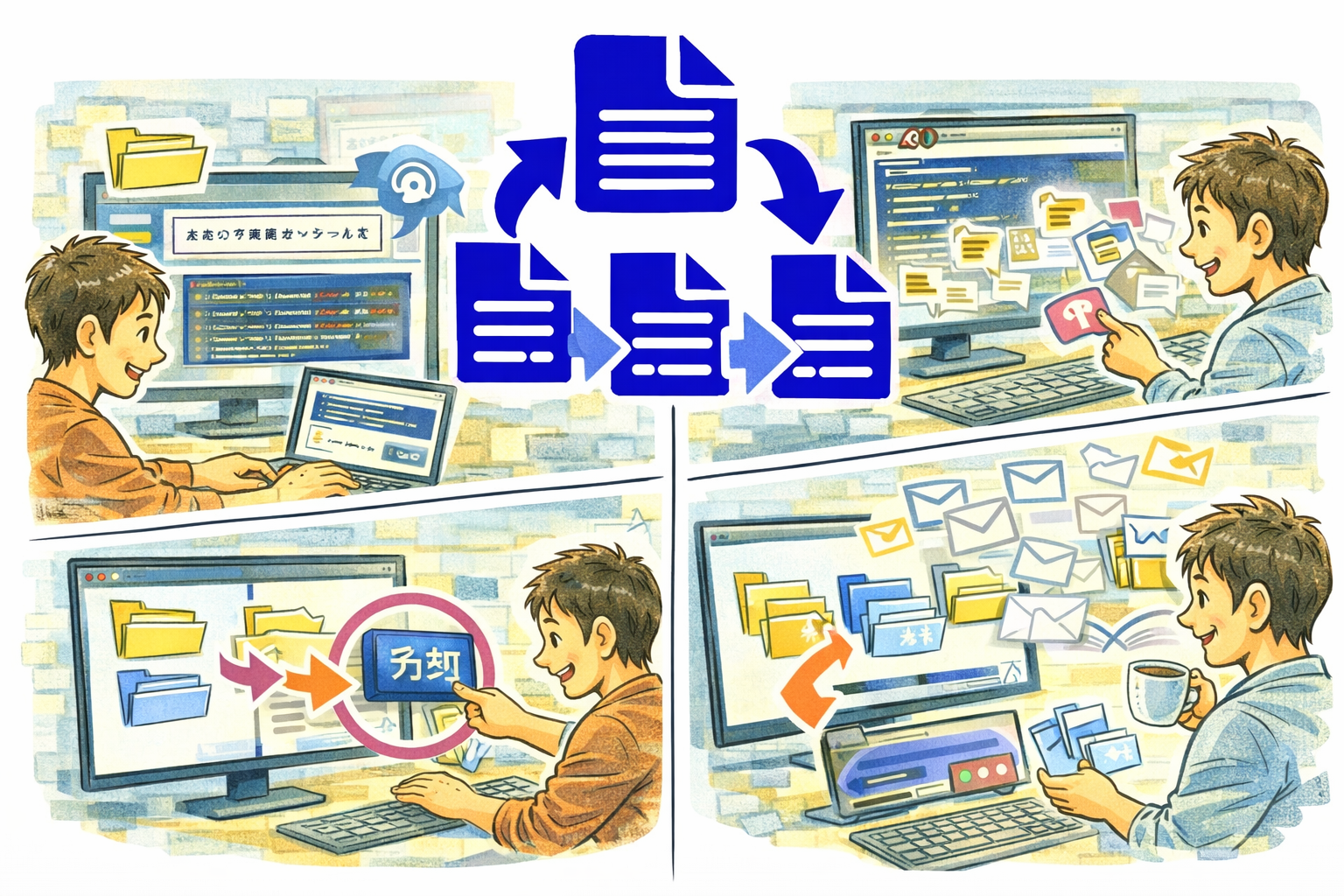
SplitMerge is a file splitting and merging tool that lets you break a single file into multiple files by block separators, or combine a folder of files into one. With bidirectional synchronization between your editor and folder tree, workset management, and a built-in diff comparison, SplitMerge streamlines how you organize and restructure text content.
Why SplitMerge
- Block-based splitting with customizable separators gives you precise control over how files are divided
- Bidirectional sync means edits in the text editor are reflected in the folder tree and vice versa
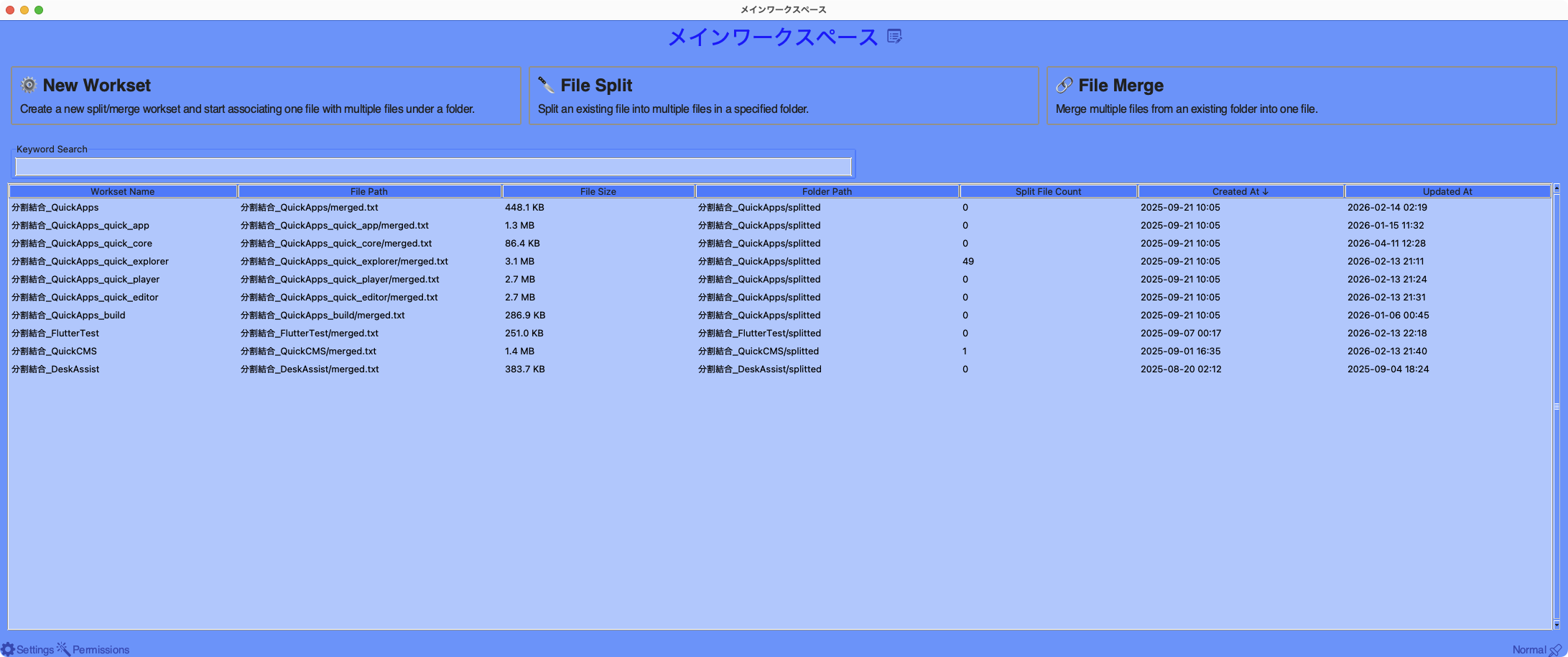
- Workset management with history keeps your splitting and merging projects organized
- Built-in diff comparison lets you verify changes between blocks and files before committing
Key Features
- Block-based file splitting with customizable separator templates
- Folder-to-file merging with file filters
- Bidirectional synchronization between editor and folder tree
- Workset management with history for tracking projects
- Built-in text editor with minimap for navigating large files
- Diff comparison between blocks and corresponding files
- Full undo and redo support for all operations
Perfect For
- Developers splitting monolithic source files into modular components
- Writers organizing chapters or sections into separate files and back
- Data analysts breaking large CSV or log files into manageable segments
- Anyone who needs to restructure file content between single-file and multi-file formats
Getting Started
- Create a new workset and open or paste the file you want to split
- Define your block separator pattern in the split format settings
- Preview how the file will be divided, then execute the split
- To merge, point SplitMerge at a folder and combine the files into one
Privacy
- SplitMerge runs entirely on your Mac with no network access required
- No data is collected, transmitted, or shared with any third party
- All file operations and worksets are stored locally on your device