DeskNarrator reads text aloud using the voices built into your Mac. Choose from dozens of languages, pick a voice, adjust the speed, and press play. It is perfect for proofreading, language learning, or simply listening to content while you work.
Why DeskNarrator
- No Downloads Required — Uses macOS NSSpeechSynthesizer voices already installed on your system. Works immediately.
- Quick Toggle — Double-press the Option key to start or stop narration from anywhere, even when DeskNarrator is in the background.
- Playback History — Revisit and replay any of your last 100 narrations with full text, voice, and speed settings preserved.
Key Features
- Multi-language text-to-speech — Access every voice installed on your Mac across dozens of languages
- Speed control — Adjust reading speed from 50 to 500 words per minute with a simple slider
- Narration history — Stores up to 100 items with automatic deduplication of repeated entries
- Auto-start option — Automatically begin reading as soon as you paste or type text
- Global shortcut — Double-press Option to toggle narration from any app
- Status icon menu — Control playback from the menu bar without switching windows
- Multi-language interface — 80+ languages supported
- Customizable theme colors
Perfect For
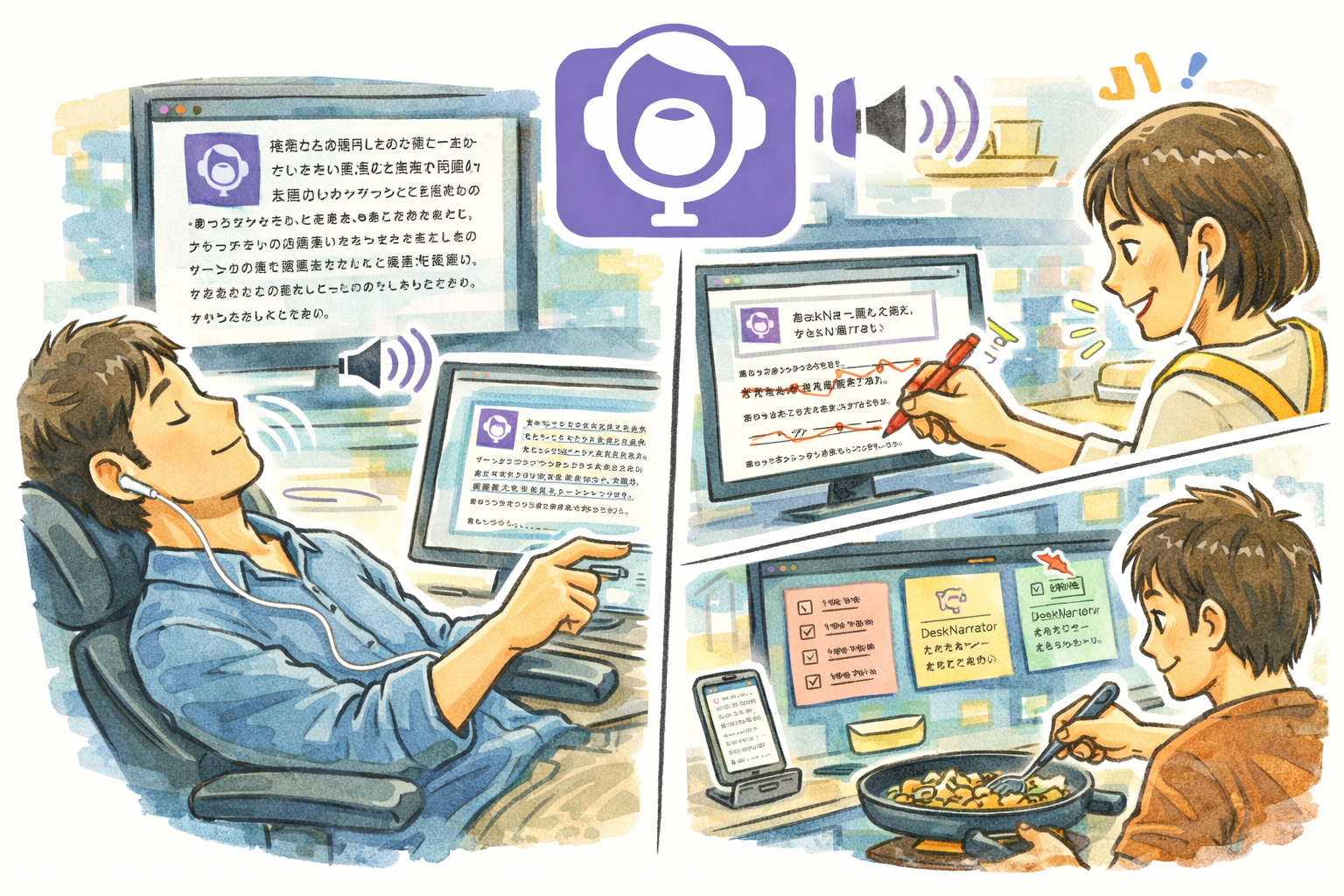
- Writers and editors who want to hear their text read back for proofreading
- Language learners practicing pronunciation and listening comprehension
- Students who absorb information better by listening than reading
- Anyone who wants to consume text content hands-free while multitasking
Getting Started
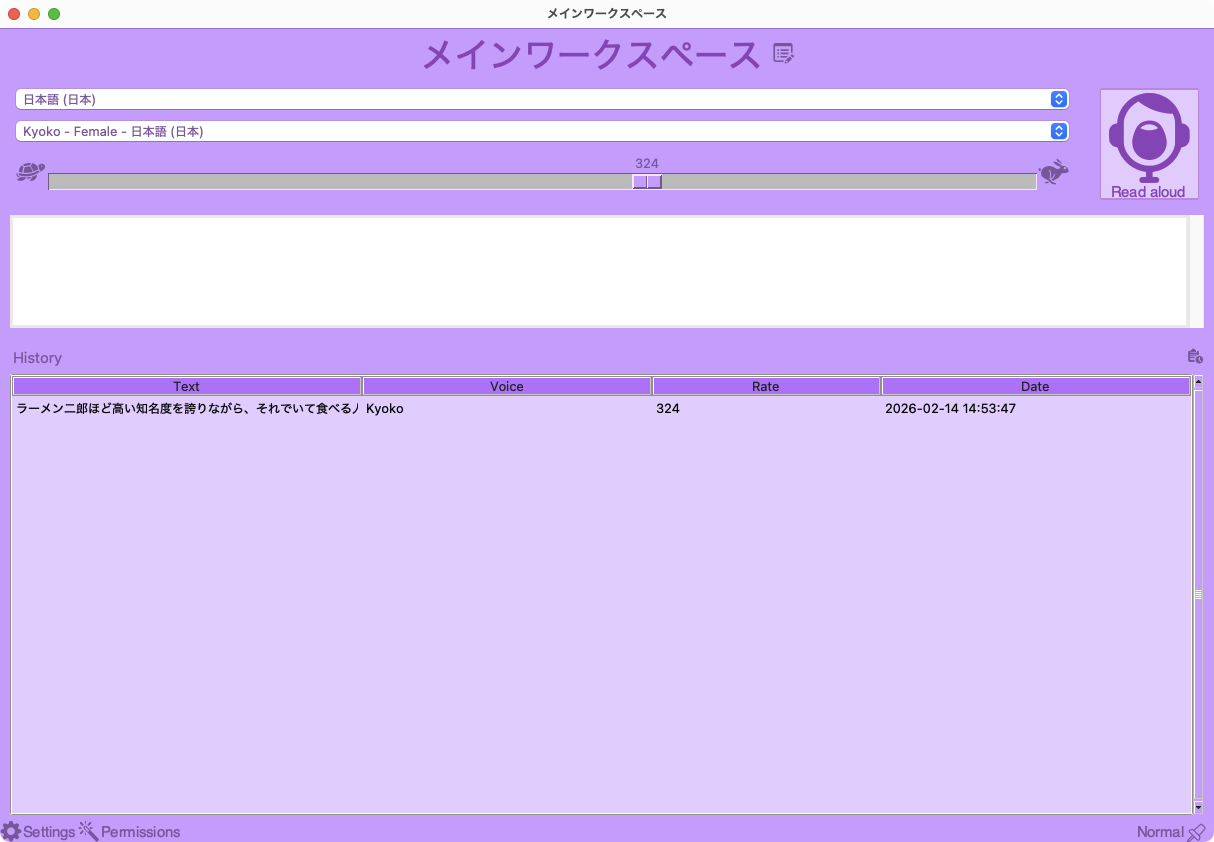
- Launch DeskNarrator and select a language from the dropdown
- Choose a voice and adjust the speed slider to your preference
- Type or paste text into the input area and click the Read Aloud button
- Double-press Option at any time to toggle narration on or off
- Check the History panel to replay any previous narration
Privacy
- All speech synthesis is performed locally using macOS built-in voices
- No text is sent to any external server
- Narration history is stored only on your local disk
- No analytics, telemetry, or tracking of any kind
- DeskNarrator never connects to the internet