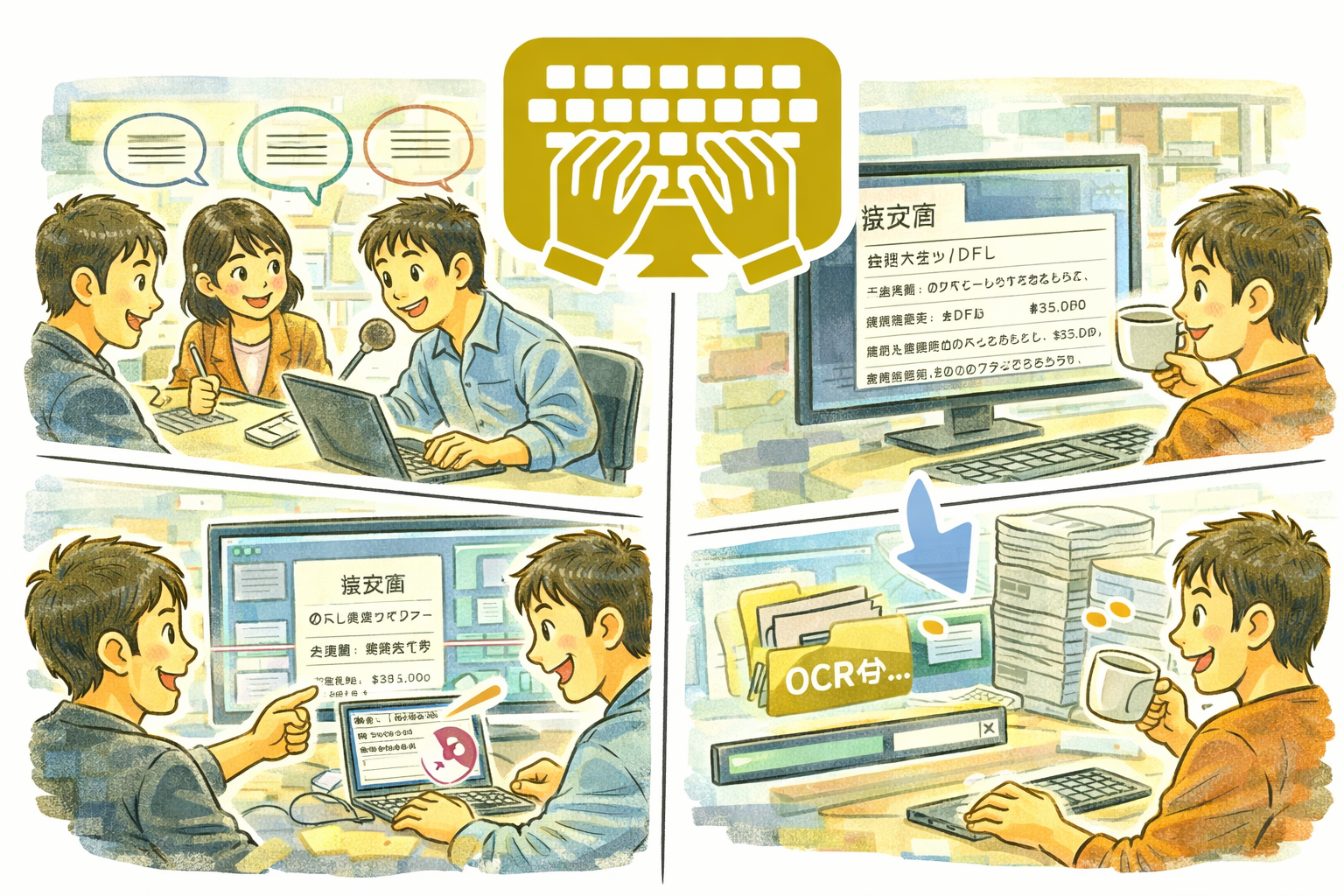
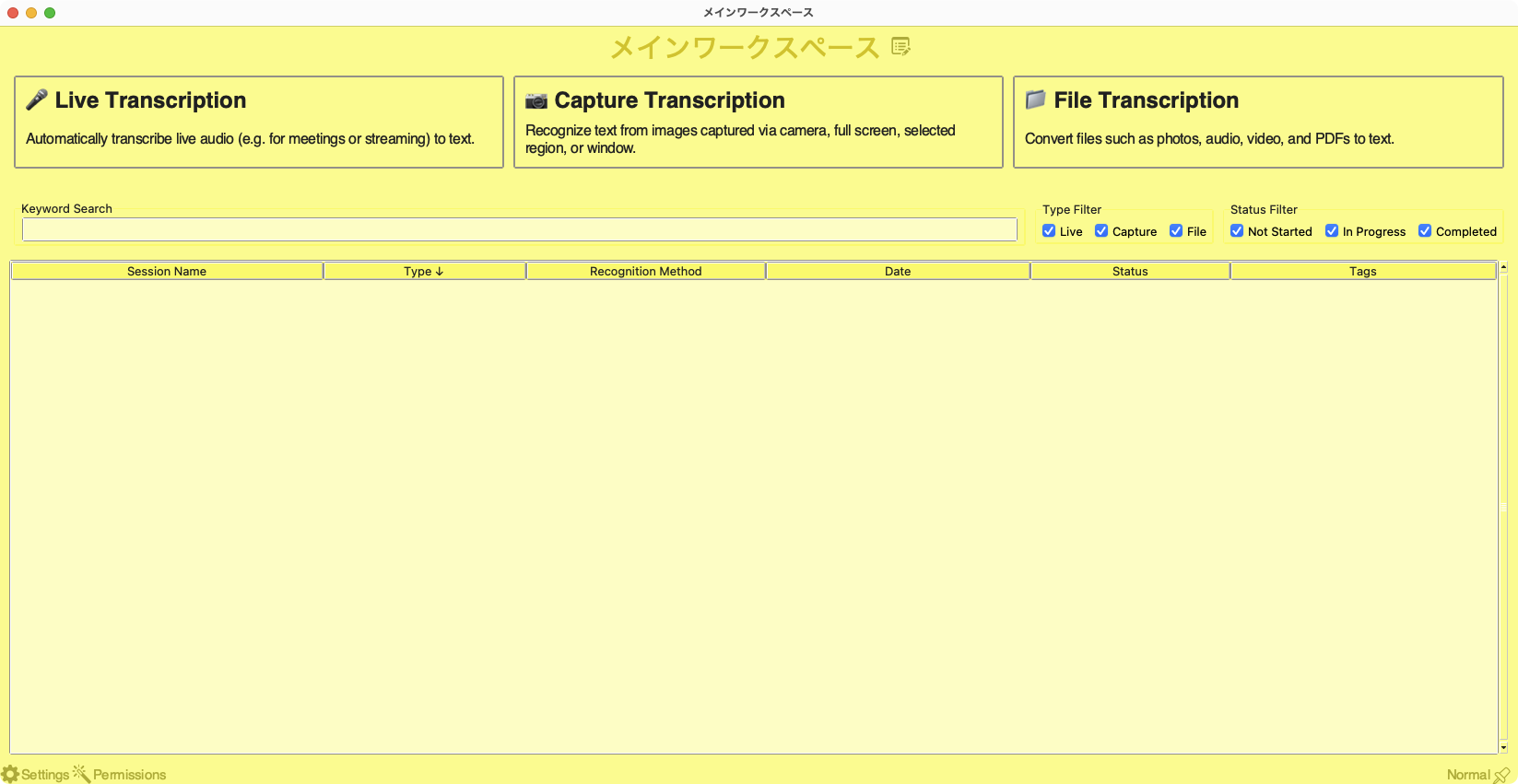
Textnizer is a versatile text extraction tool that converts speech, screenshots, and files into editable text. Choose from three powerful modes: live transcription for real-time voice capture, capture OCR for on-screen text recognition, and file processing for batch conversion of audio, video, images, and PDFs.
Why Textnizer
- Three extraction modes in a single app eliminates the need for separate transcription, OCR, and conversion tools
- Multiple speech recognition engines (Google, Whisper, Vosk) let you choose between speed, accuracy, and offline capability
- Speaker classification helps identify who said what in meetings and interviews
- Workset history management keeps your projects organized and accessible
Key Features
- Live transcription with real-time voice recognition
- Speech engines: Google Speech Recognition, OpenAI Whisper, and Vosk
- Capture OCR using Tesseract for camera and screen captures
- Speaker classification to identify different voices
- File processing for MP3, WAV, MP4, AVI, JPG, PNG, and PDF formats
- Batch processing to convert multiple files at once
- Workset history management for organizing extraction projects
- Built-in media player for reviewing audio and video sources
Perfect For
- Journalists and researchers transcribing interviews and lectures
- Students converting handwritten notes and lecture recordings to text
- Office workers extracting text from scanned documents and PDFs
- Content creators who need subtitles or transcripts from video files
Getting Started
- Choose your mode: Live Transcription, Capture OCR, or File Processing
- For live transcription, select your speech engine and start recording
- For capture OCR, take a screenshot or use your camera to capture text
- For file processing, drag and drop your audio, video, image, or PDF files
- Review and edit extracted text, then export or copy to clipboard
Privacy
- Textnizer processes all data locally on your Mac when using Whisper or Vosk engines
- Google Speech Recognition sends audio data to Google servers for processing when selected
- No personal data is collected or shared by the app itself
- All worksets and extracted text are stored locally on your device