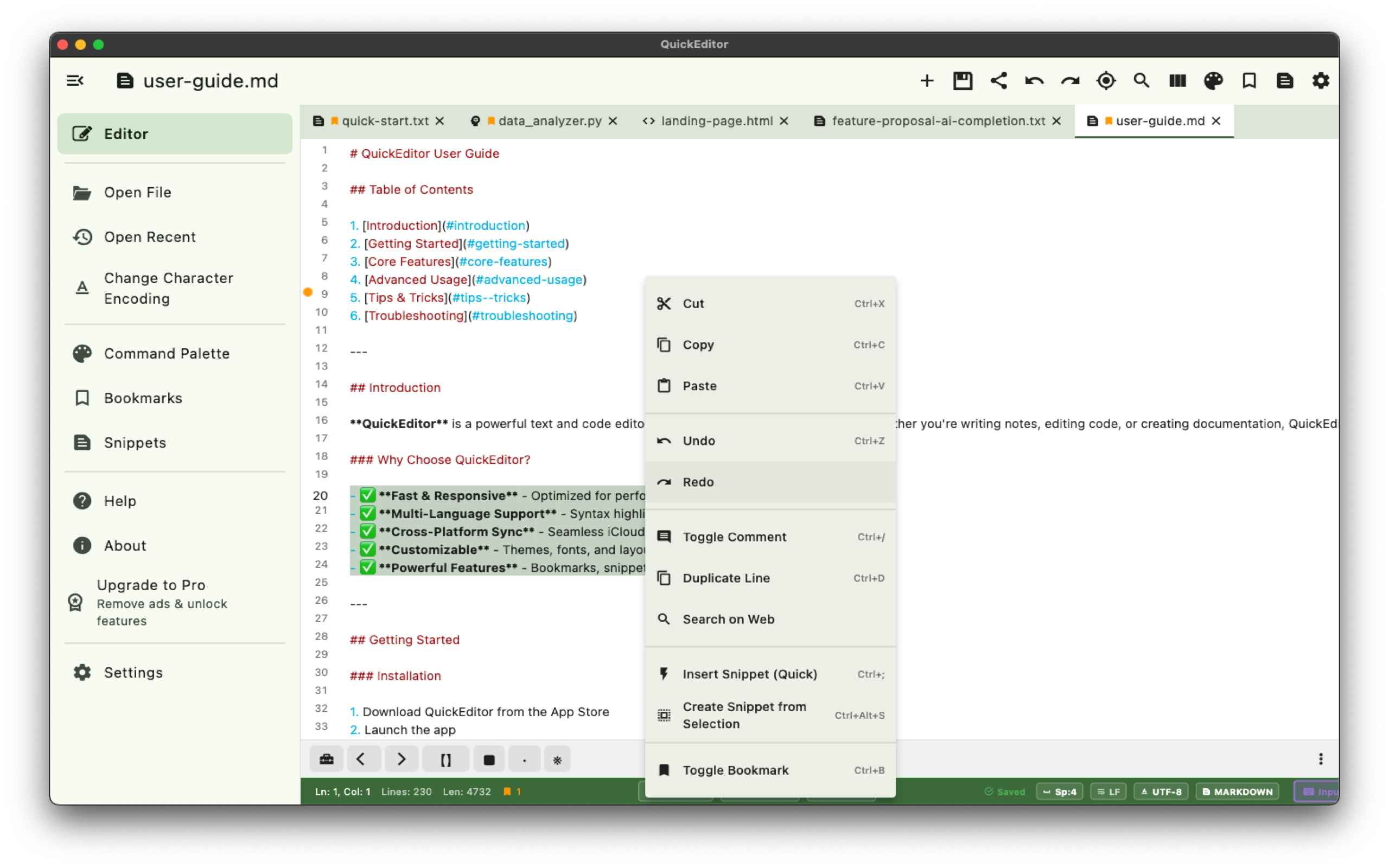
QuickEditor is a professional text and code editor that keeps everything you need within reach. Open multiple files in tabs, jump between bookmarks, insert reusable snippets, search across entire folders, and preview Markdown — all in a clean, responsive interface that works on phones, tablets, and desktops.

Why QuickEditor?
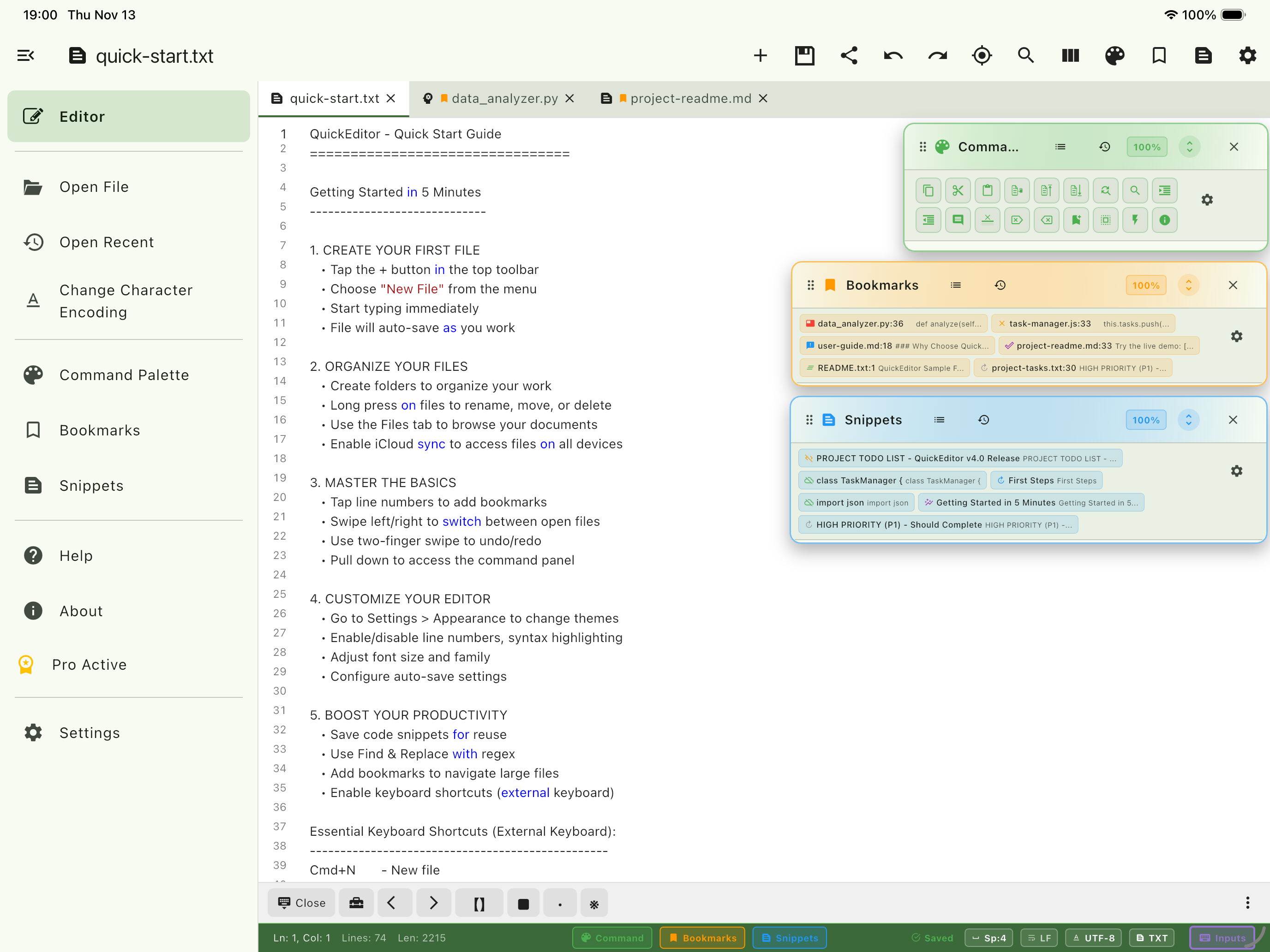
- Everything in tabs — Work on multiple files at once with a familiar tabbed interface. Drag to reorder, close others, or open files from your recent history
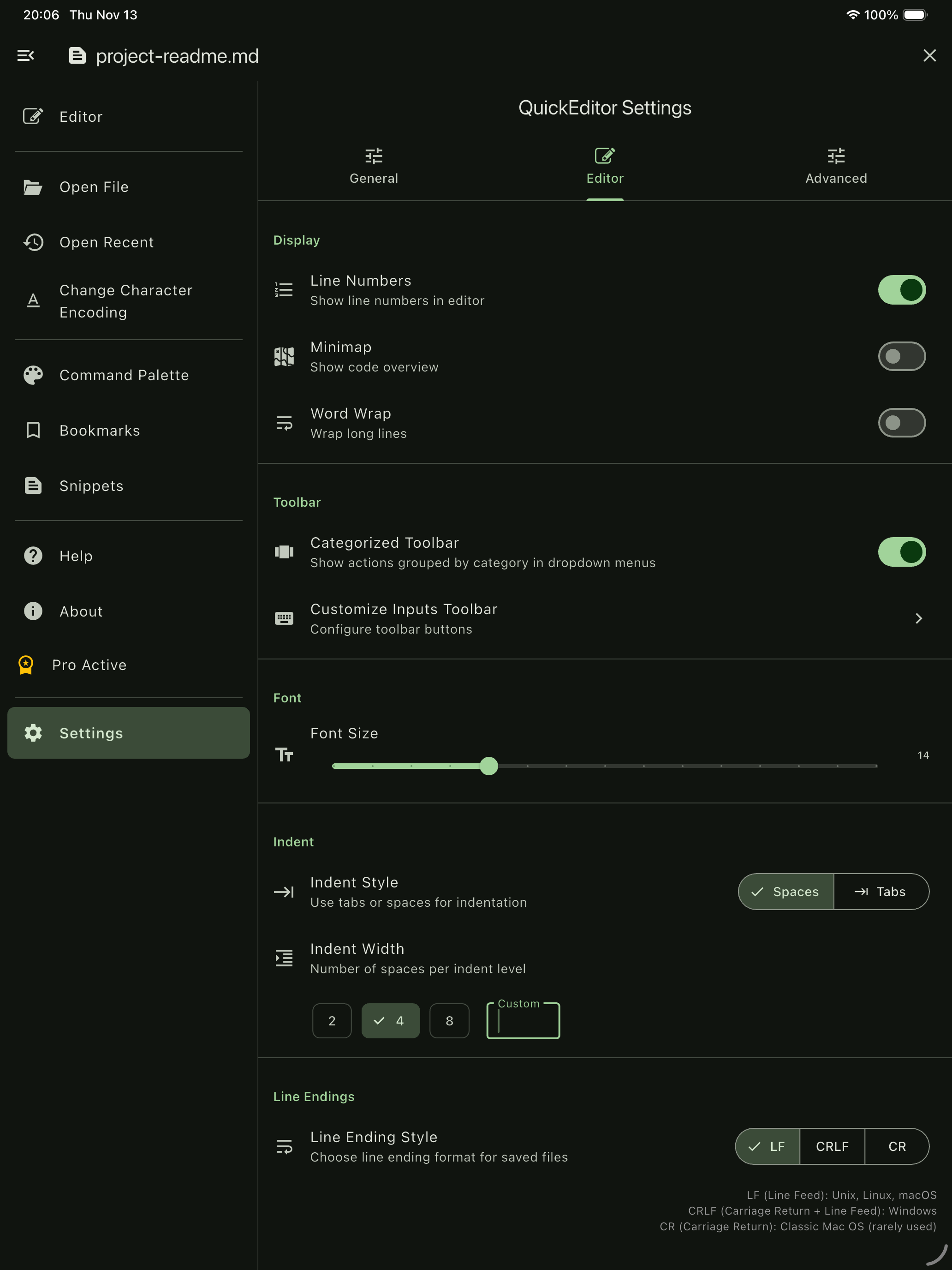
- Code-ready editing — Syntax highlighting for 50+ languages, auto-complete, code folding, line numbers, minimap, and configurable indentation
- Privacy-first — No account required, no data collection, no analytics. Your files stay on your device
Key Features
- Tabbed Editing — Open, switch, reorder, and manage multiple files with keyboard shortcuts. New Tab, Close Others, Close All, and tab navigation built in
- Bookmarks — Mark important lines and jump between them instantly. Add labels, navigate with F2/Shift+F2, and manage bookmarks across all open files
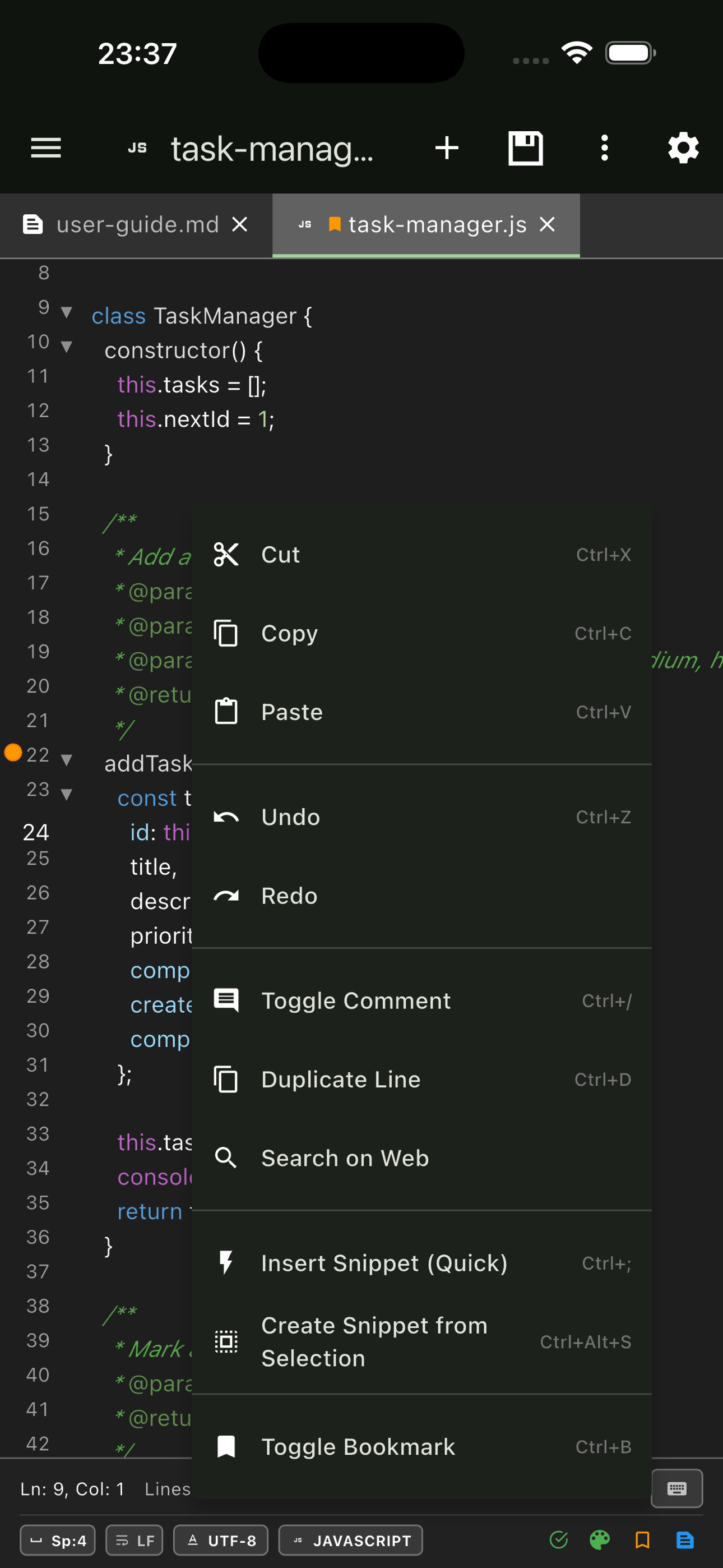
- Snippets — Save reusable text blocks and insert them with a quick shortcut (Ctrl+;). Create from selection, from clipboard, or from scratch. Organize with categories
- Global Search — Search and replace across files in any folder. Filter by file type, toggle regex and case sensitivity, and jump directly to results
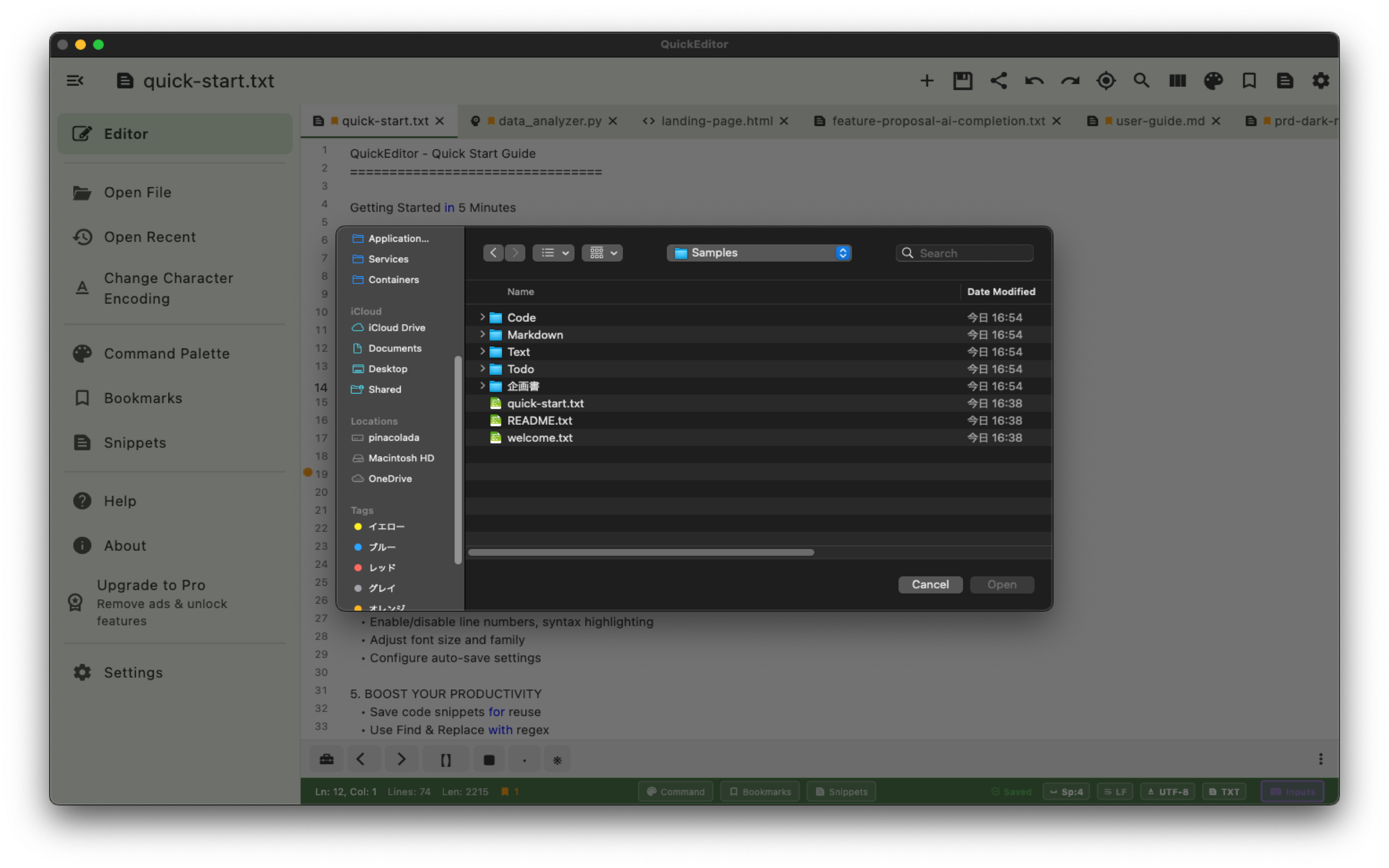
- File Manager — Browse local folders, NAS drives (SMB, WebDAV, SFTP, FTP), and cloud storage without leaving the editor
- AI Assistant — Send selected text to ChatGPT, Gemini, Claude, Grok, Copilot, or Perplexity. Built-in AI chat panel for conversations alongside your code
- Markdown Preview — Live side-by-side preview of Markdown files. Preview the full document or just a selection
- Command Palette — Access every action from a single searchable panel with Ctrl+Shift+P
Code Features
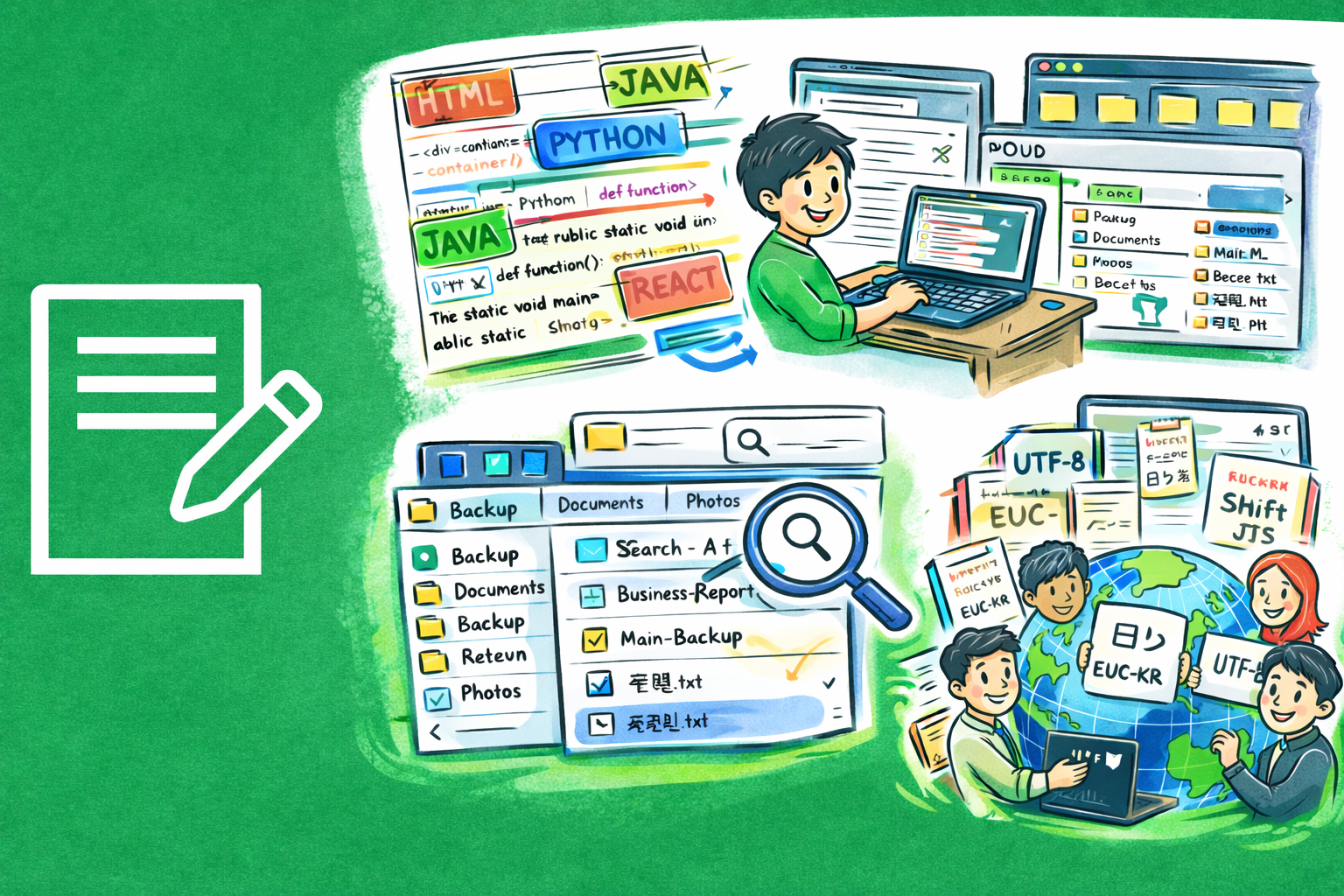
- Syntax Highlighting — Automatic language detection with manual override for 50+ languages
- Character Encoding — Detect, change, and convert file encoding. Reopen files with a different charset or check for encoding loss
- Code Folding — Collapse and expand code blocks to focus on what matters
- Auto-Complete — Context-aware code completion to speed up editing
- Minimap — A code overview panel for quick navigation in large files
- Split View — View two sections of the same file or two files side by side
- Rectangular Selection — Column-mode editing for aligned data and multi-line edits
- Case Transforms — Convert selected text to UPPERCASE, lowercase, Title Case, camelCase, snake_case, or kebab-case
- Line Endings — Full control over LF, CRLF, and CR line ending styles
Perfect For
- Editing code, scripts, configuration files, and log files on the go
- Quick text editing with powerful search and replace across files
- Markdown writing with live preview for notes, READMEs, and documentation
- Managing files on local storage, NAS drives, and cloud services
- Developers who need a lightweight, full-featured editor on mobile and desktop
Getting Started
- Create a new file or open an existing one from the toolbar
- Use tabs to switch between open files, or press Ctrl+T for a new tab
- Press Ctrl+Shift+P to open the Command Palette and discover all available actions
- Bookmark important lines with Ctrl+B and jump between them with F2
- Save reusable text as snippets and insert them anytime with Ctrl+;
Privacy & Security
- No account required — start editing immediately
- No data collection or analytics
- Files are stored locally on your device
- NAS connections stay on your local network
- No internet access needed for core functionality