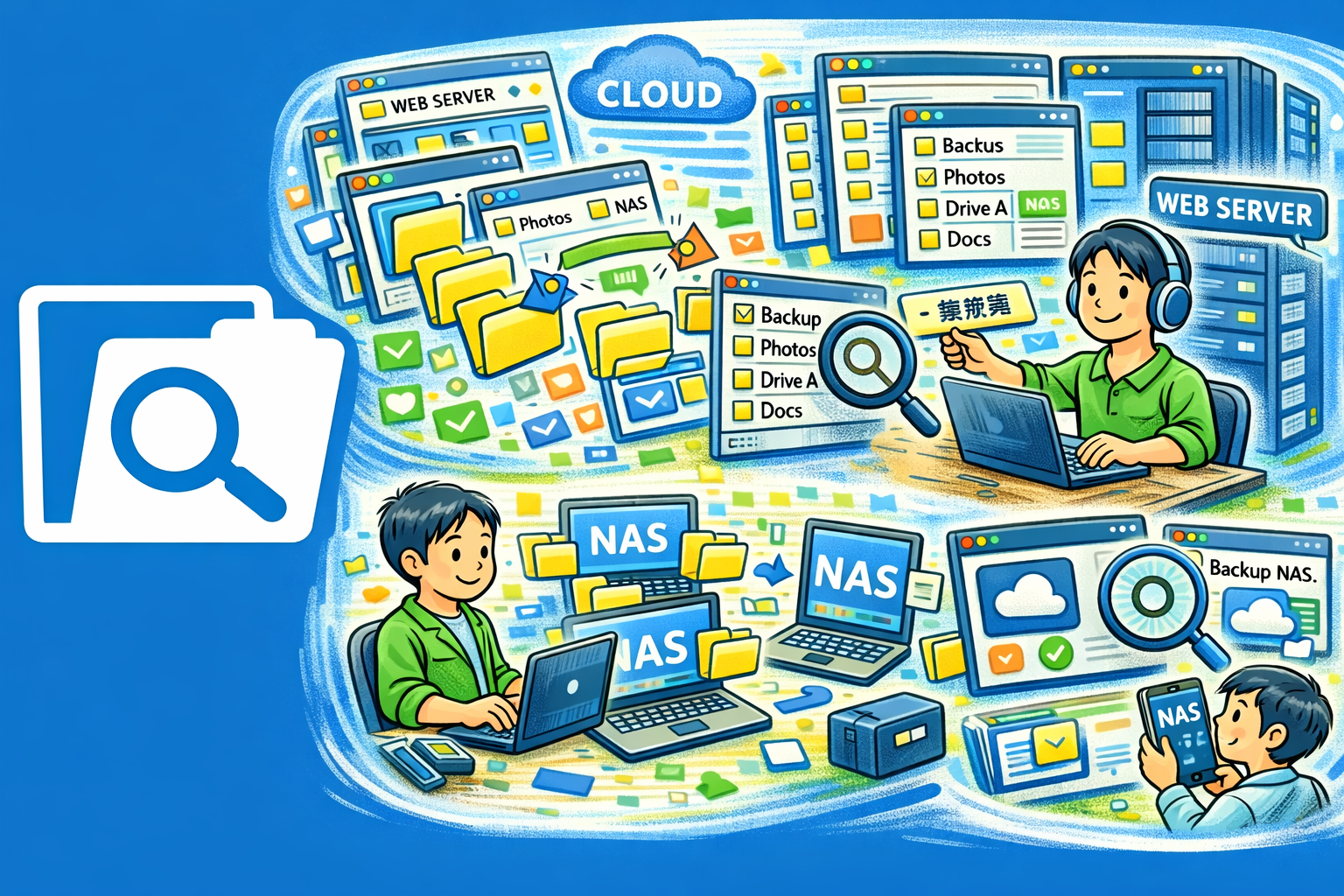
QuickExplorer is a full-featured file manager that goes far beyond browsing. Connect to cloud storage, compare and merge files, split or join large files, manage archives, analyze disk usage, search across your entire system, rename files in bulk, and back up what matters — all from a single, clean interface.

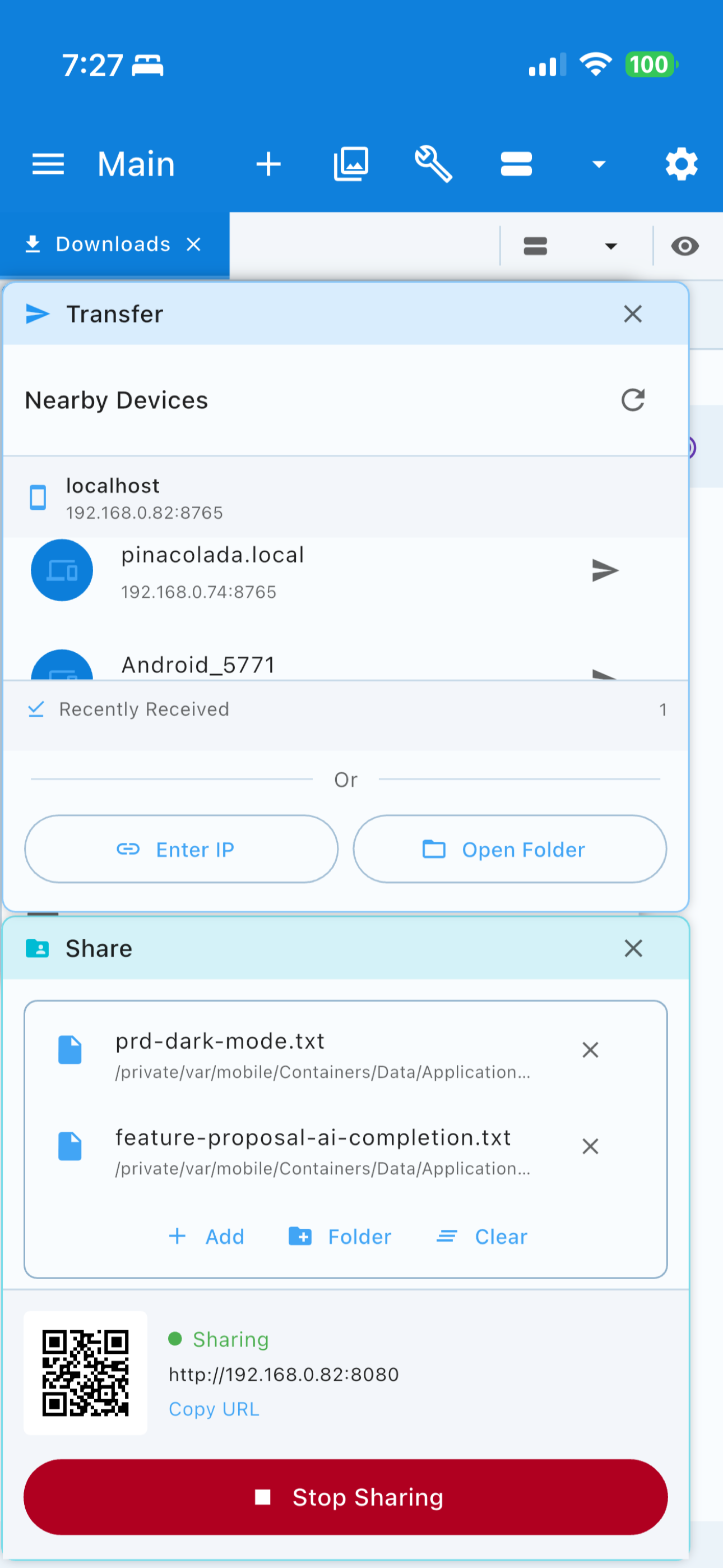
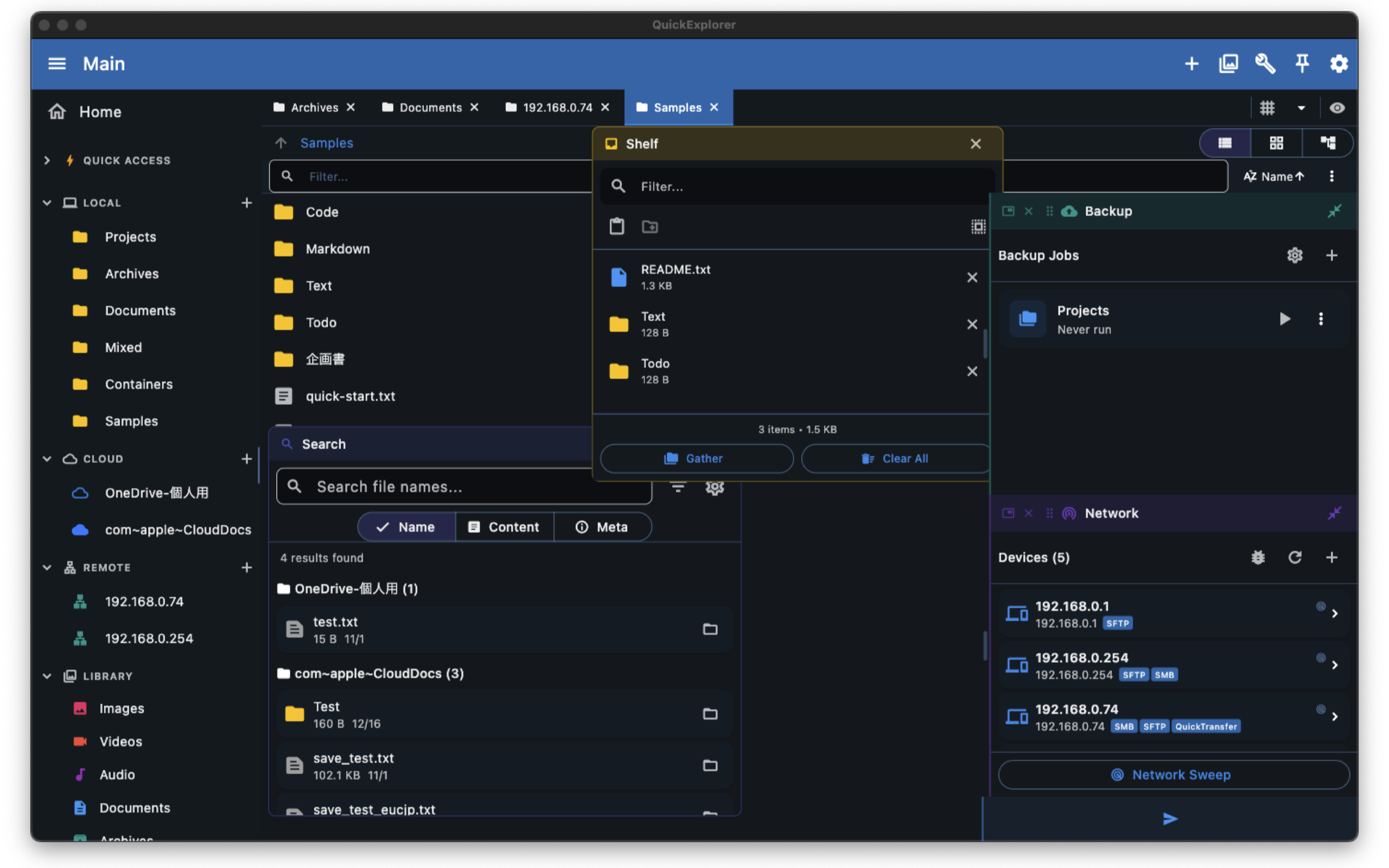
Why QuickExplorer?
- All-in-one workspace — File browsing, cloud access, diff/merge, archiving, and more in a single app
- Cloud-connected — Google Drive, OneDrive, Dropbox, WebDAV, SFTP, and SMB built right in
- Privacy-first — No account required, no analytics, your files stay yours
Key Features
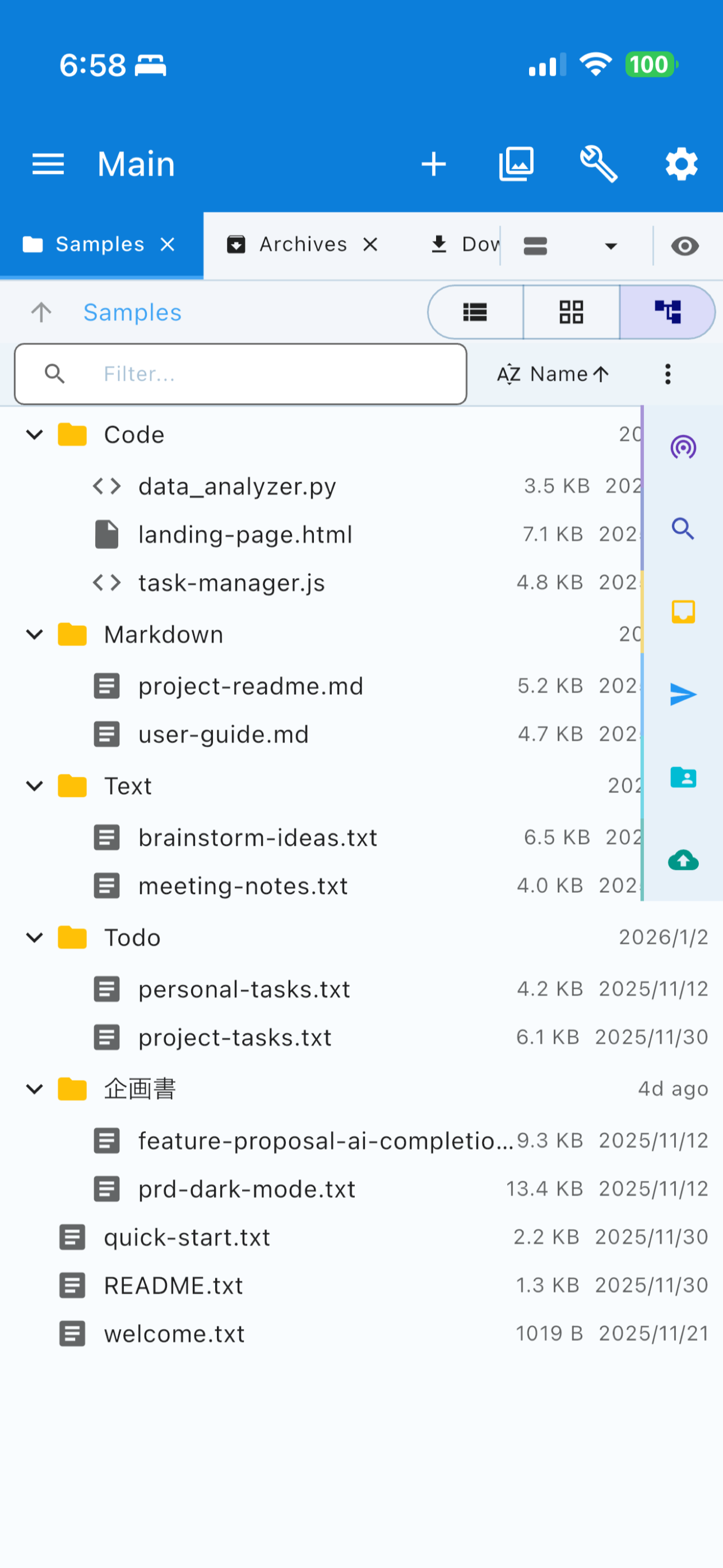
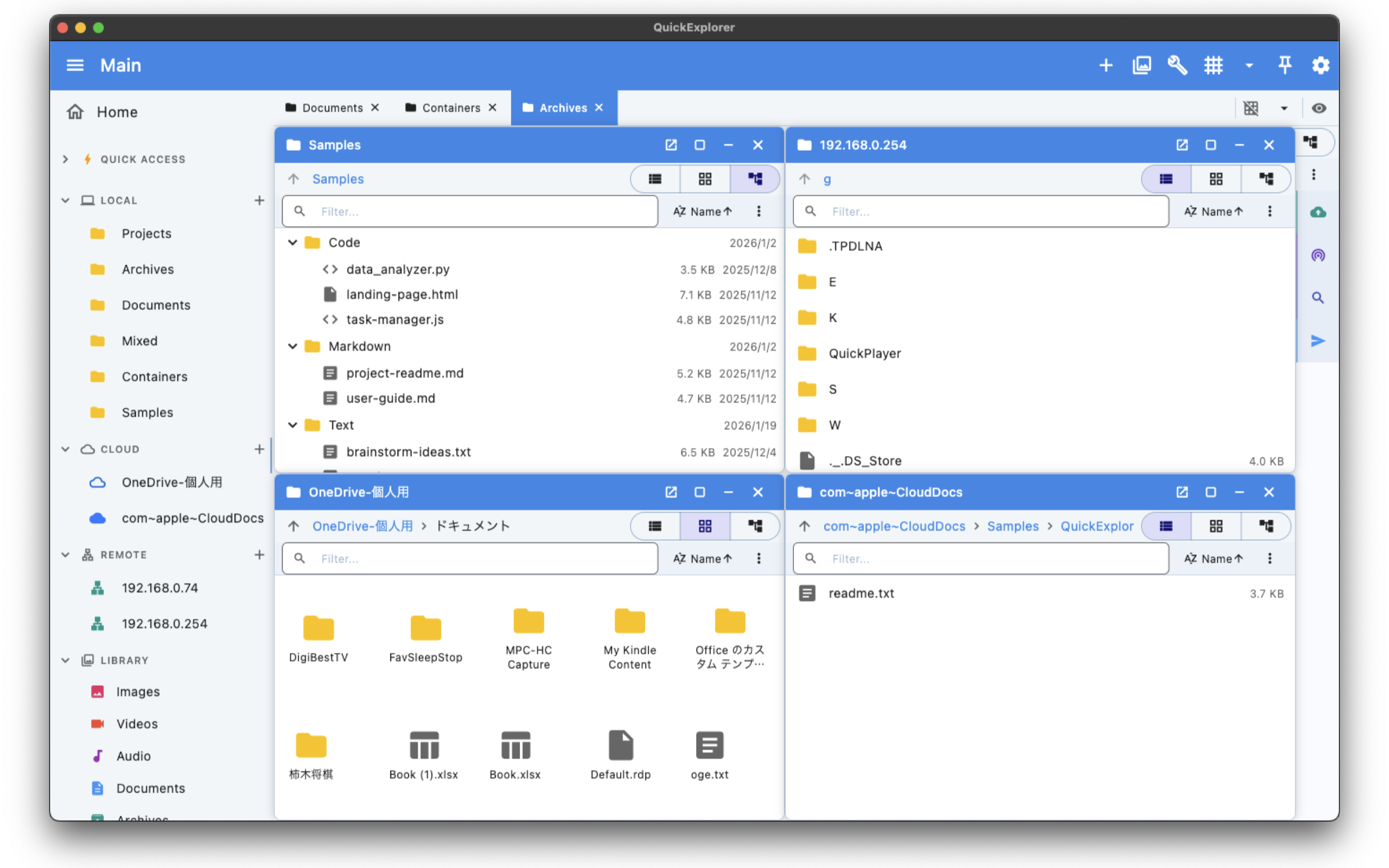
- File Browser — Navigate local and remote files with dual-pane support, column view, breadcrumb trail, and quick preview
- Cloud Storage — Connect to Google Drive, OneDrive, Dropbox, WebDAV, SFTP, and SMB. Browse, upload, download, and manage files seamlessly
- Diff & Merge — Compare two files or folders side by side with syntax-highlighted diffs. Merge changes with a visual editor
- Split & Merge — Split large files into smaller chunks for transfer or storage, then reassemble them later
- Archive Handling — Create and extract ZIP, TAR, GZ, BZ2, and 7Z archives. Browse archive contents without extracting
- Disk Usage Analysis — Visualize storage consumption with an interactive treemap. Find large files and reclaim space fast
- File Search — Search by name, extension, size, date, or content. Filter results instantly with real-time matching
- Batch Rename — Rename hundreds of files at once using patterns, find-and-replace, numbering, or date stamps. Preview changes before applying
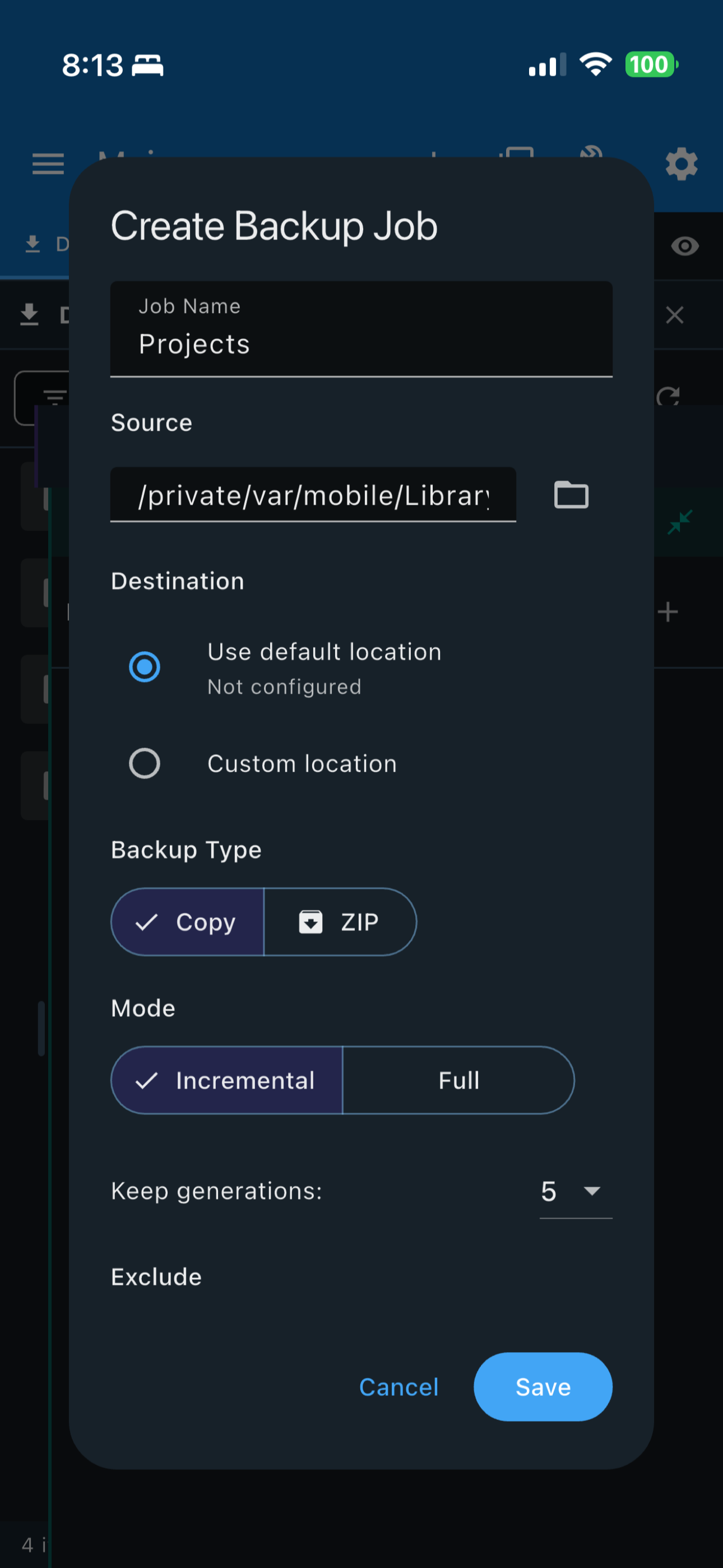
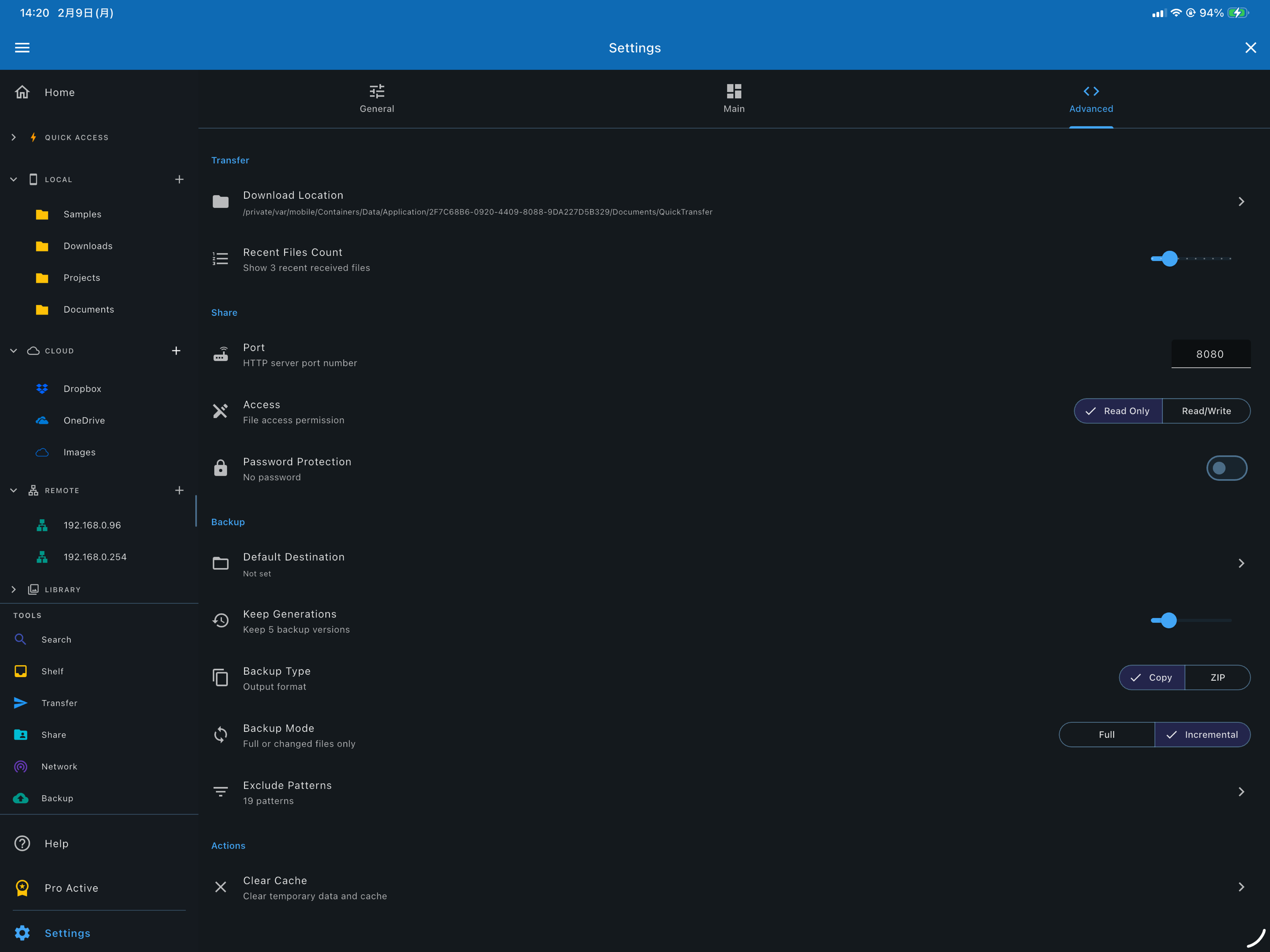
- Backup — Create scheduled or manual backups of selected folders. Incremental and full backup modes supported
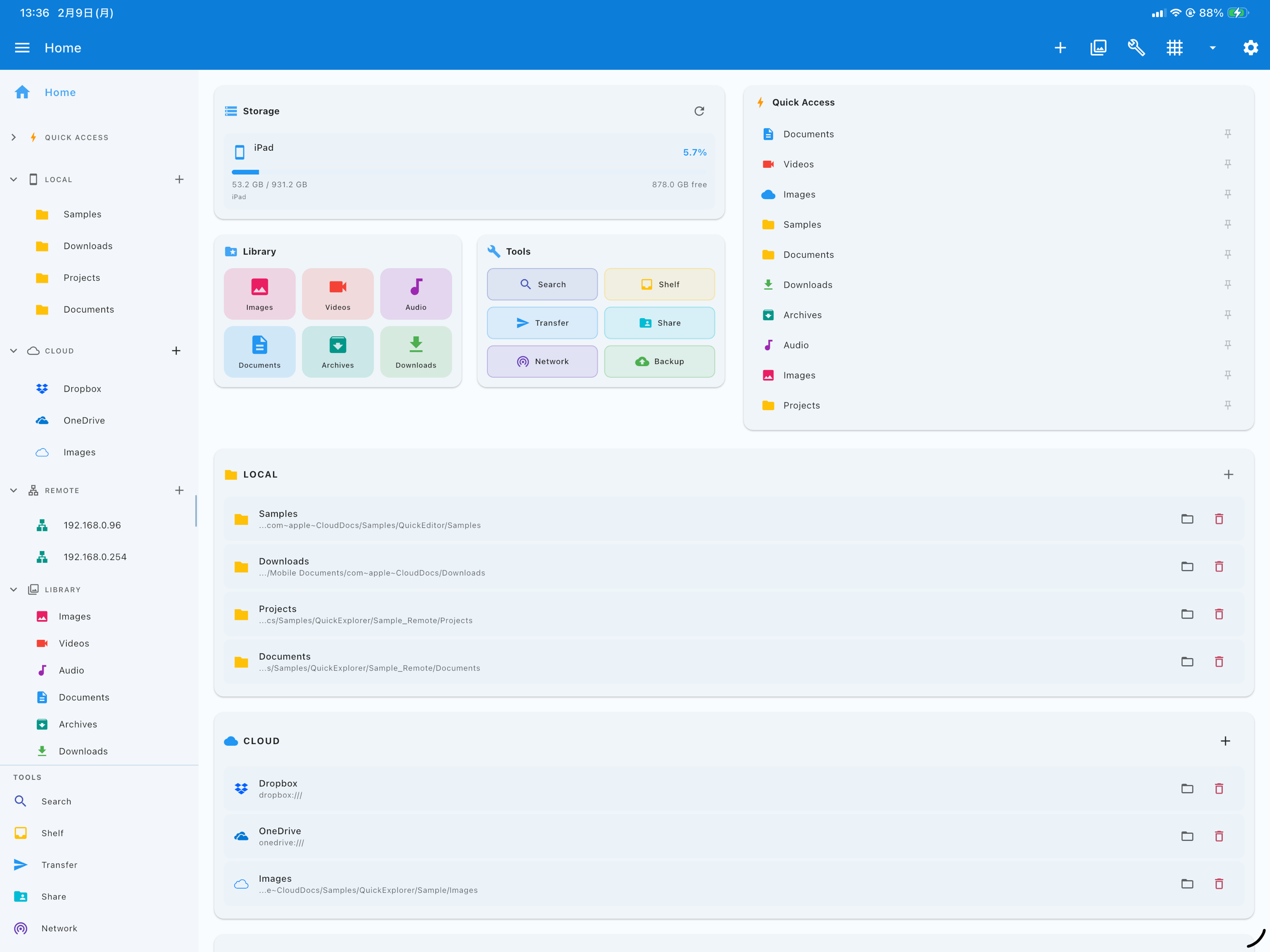
- Library Panel — Quick-access panel for bookmarked folders, recent locations, and tagged files
Cloud Storage
- Google Drive — Full access to your Drive files, shared drives, and starred items
- OneDrive — Browse personal and business OneDrive storage, including SharePoint libraries
- Dropbox — Connect your Dropbox account for seamless file browsing and transfer
- WebDAV — Connect to any WebDAV-compatible server, including Nextcloud and ownCloud
- SFTP — Secure file access to remote servers via SSH File Transfer Protocol
- SMB — Access shared folders on your local network via SMB/CIFS protocol
Built-in Tools
- Diff & Merge — Side-by-side comparison with syntax highlighting and three-way merge support
- Split & Merge — Break large files into parts or reassemble them, with checksum verification
- Archive Manager — Create, extract, and browse compressed archives in multiple formats
- Disk Usage — Interactive treemap visualization to identify space-hungry files and folders
- File Search — Fast search with filters for name, type, size, date, and file content
- Batch Rename — Powerful multi-file renaming with pattern support and live preview
- Backup — Flexible backup with scheduling, incremental mode, and custom exclusion rules
Perfect For
- Managing files across local drives and multiple cloud services in one place
- Comparing code, documents, or folder structures with visual diff and merge
- Splitting large files for email attachments or limited-size media
- Finding and cleaning up disk space with visual usage analysis
- Renaming photo libraries, music collections, or project files in bulk
- Backing up important folders on a schedule without extra software
Getting Started
- Launch the app and browse your local files in the file browser
- Add a cloud account from the sidebar to access remote storage
- Use the Library panel to bookmark your most-used folders
- Try Disk Usage to visualize where your storage is going
- Open Diff & Merge to compare two files or folders side by side
Privacy & Security
- No account required — start using immediately
- No data collection or analytics
- Cloud credentials are stored securely on your device
- No files are uploaded or shared without your explicit action
- All network connections use encrypted protocols