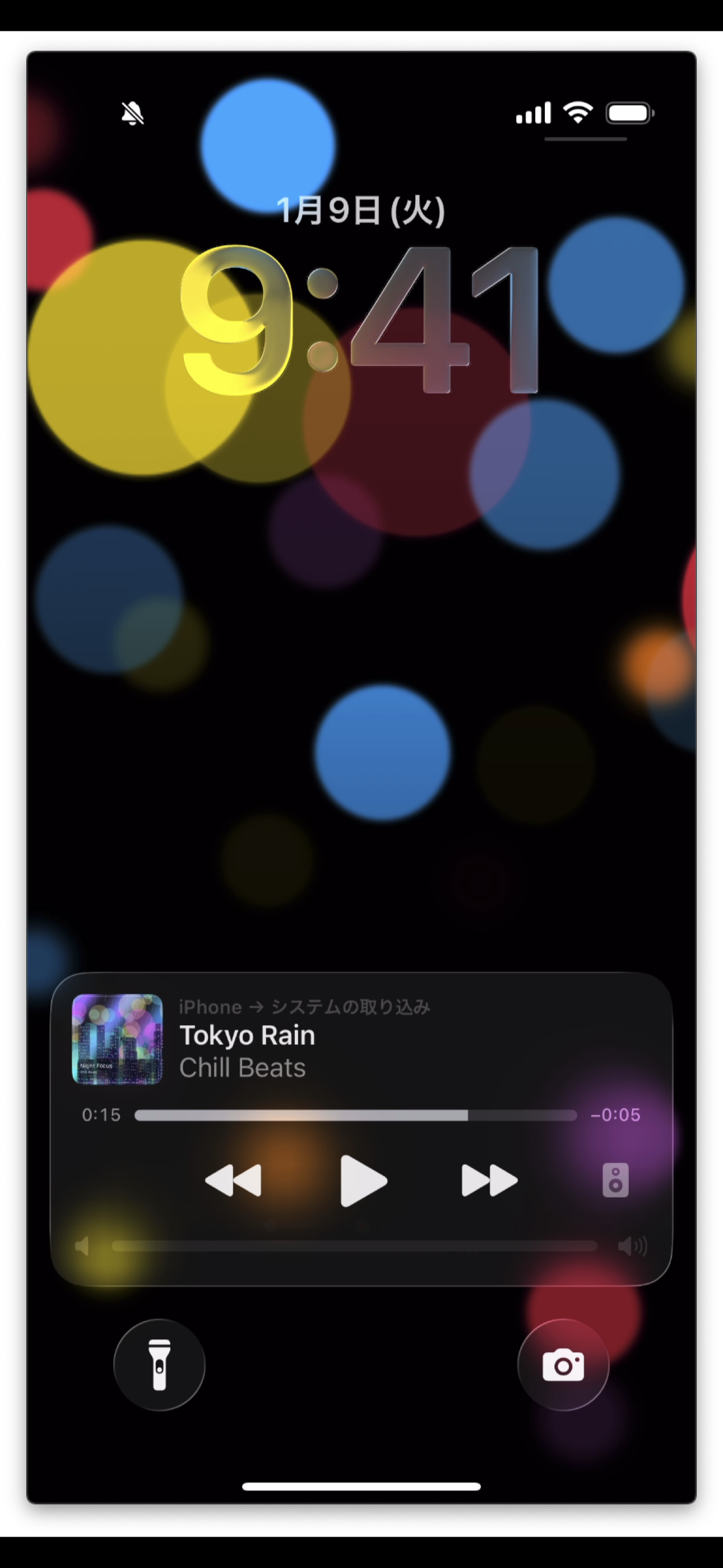
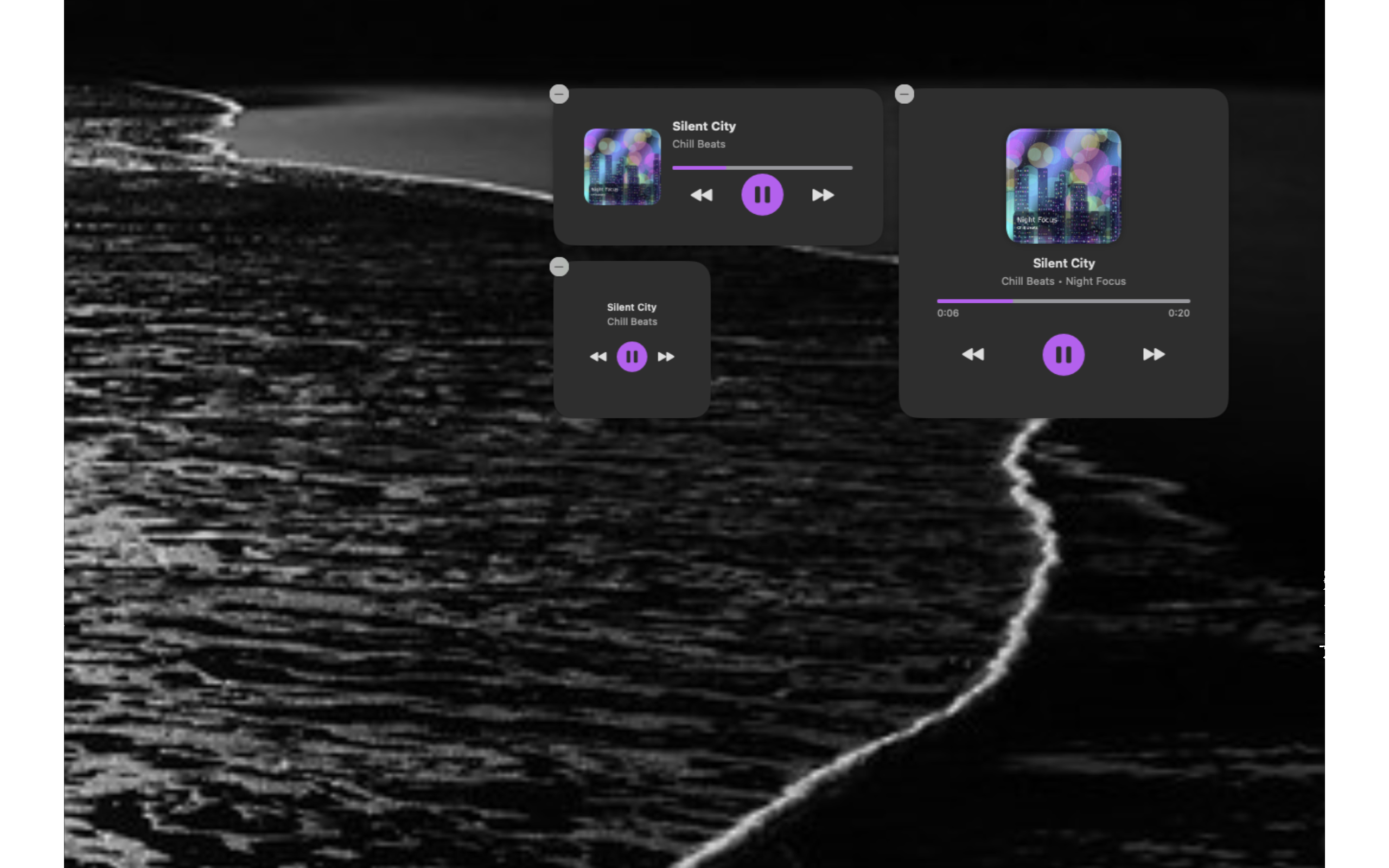
QuickPlayer is a versatile media player that brings your entire audio collection together — local files, cloud storage, and web links — with playlist management, a built-in equalizer, mood and genre tagging, listening statistics, and a sleep timer. Organize, discover, and enjoy your music with a clean, powerful interface.
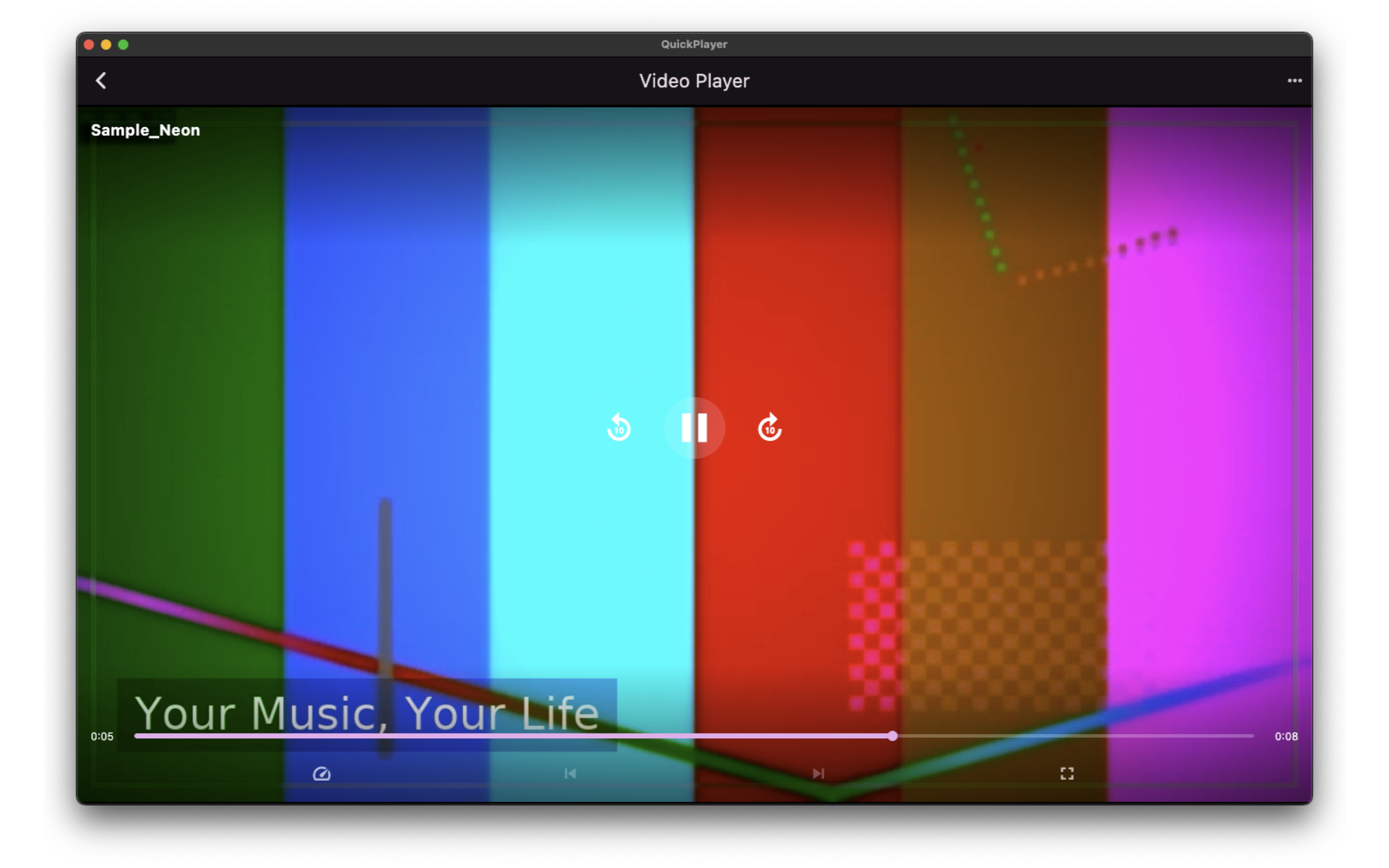
Why QuickPlayer?
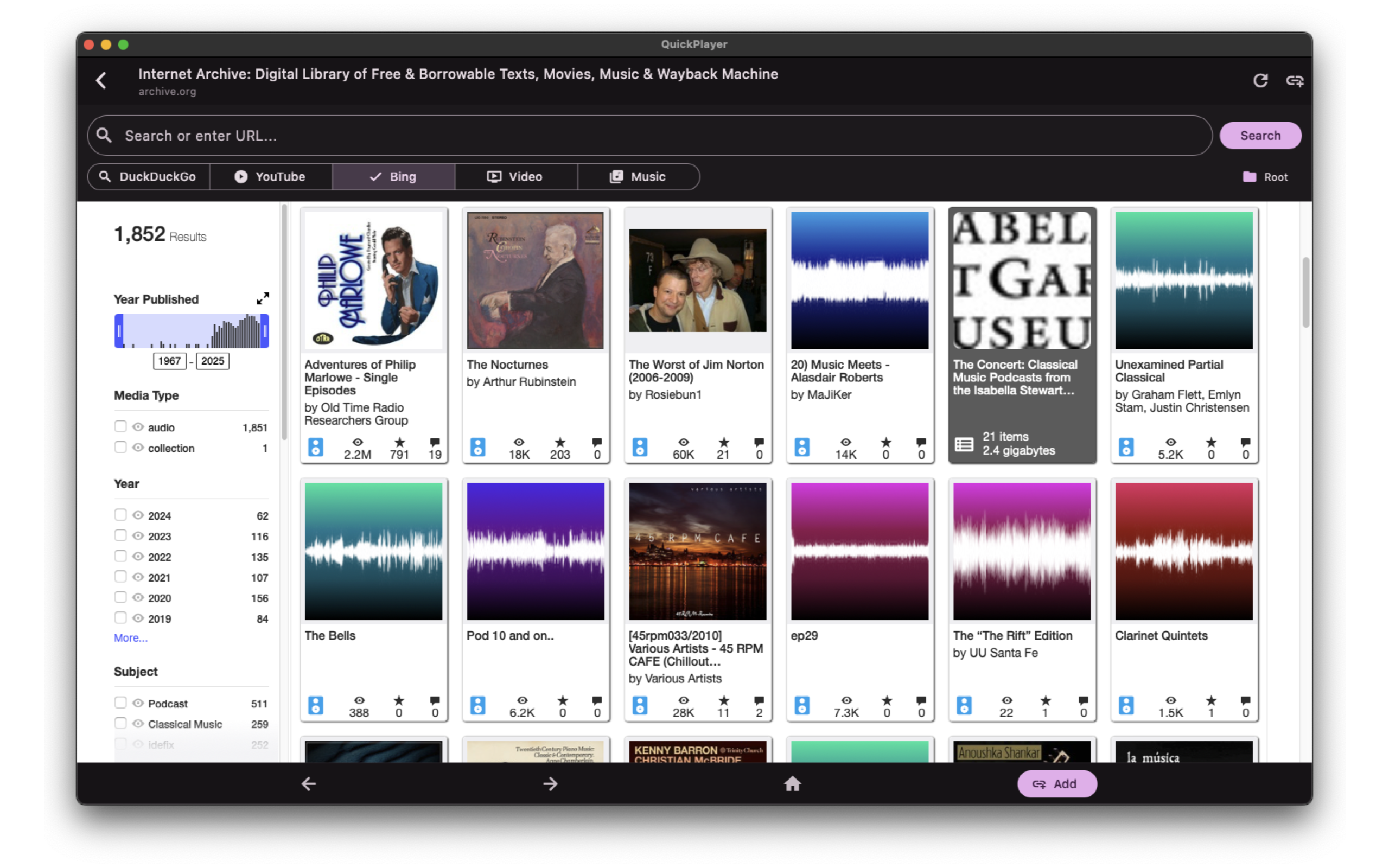
- All your sources, one player — Play from local storage, Google Drive, OneDrive, Dropbox, WebDAV, SFTP, or any web link
- Smart organization — Tag tracks by mood and genre, build playlists, and let your library grow with you
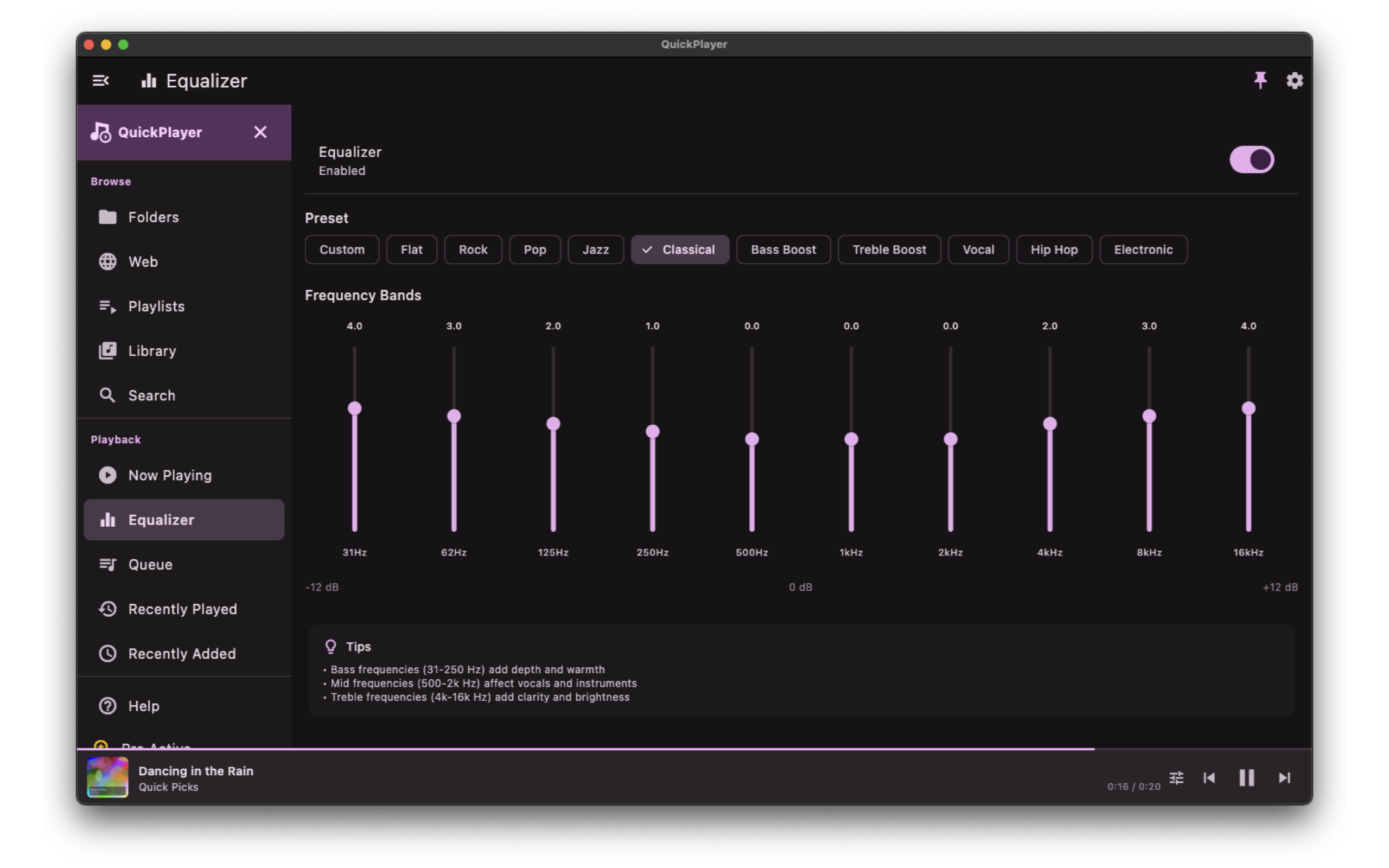
- Sound your way — Fine-tune audio with a multi-band equalizer and presets for every listening style
Key Features
- Library Management — Import, browse, search, and organize your audio files with sort, filter, and bulk actions
- Playlist Builder — Create, reorder, and manage playlists. Drag-and-drop tracks or add from any source
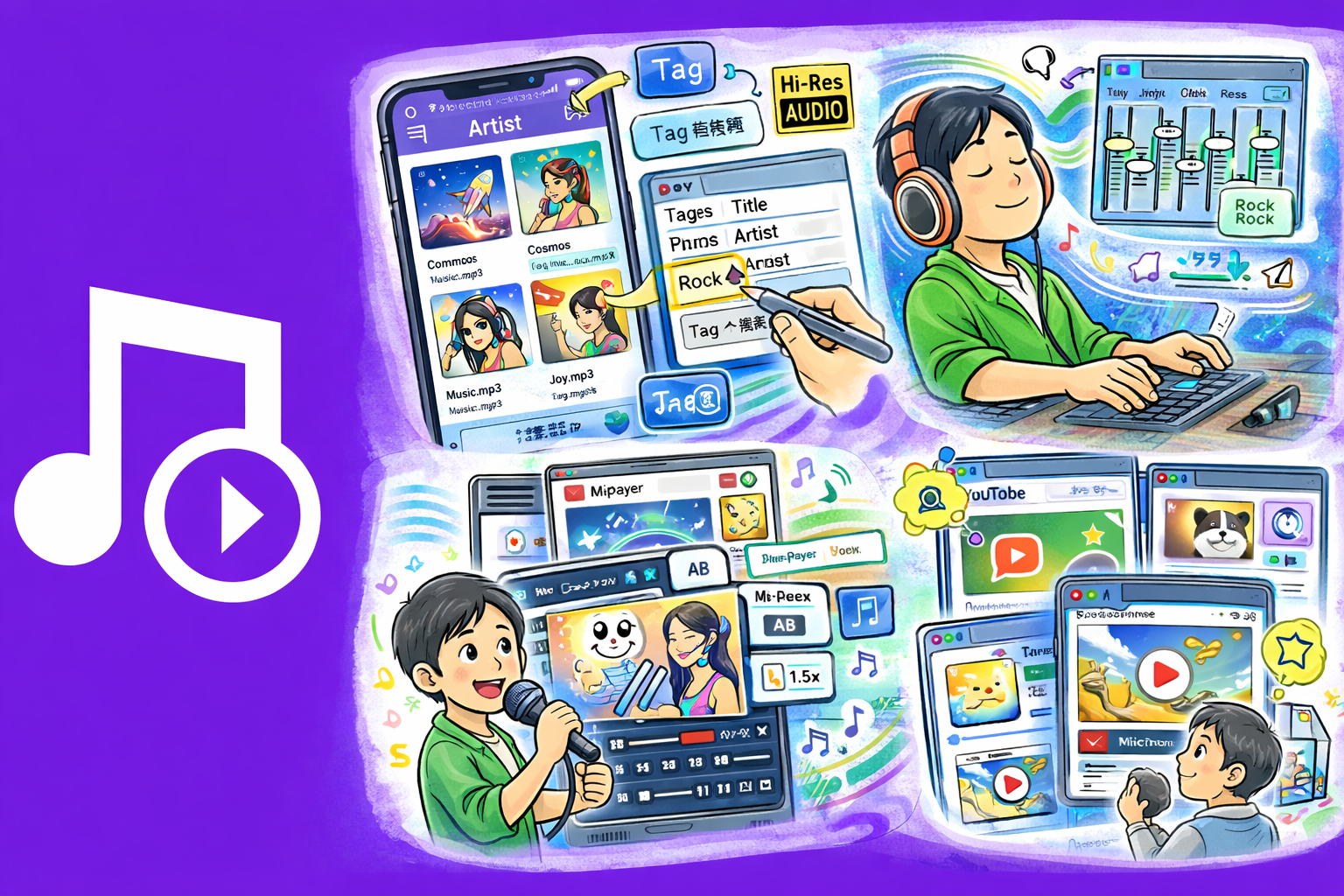
- Equalizer — Multi-band EQ with built-in presets (Rock, Pop, Jazz, Classical, Bass Boost, and more) plus custom profiles
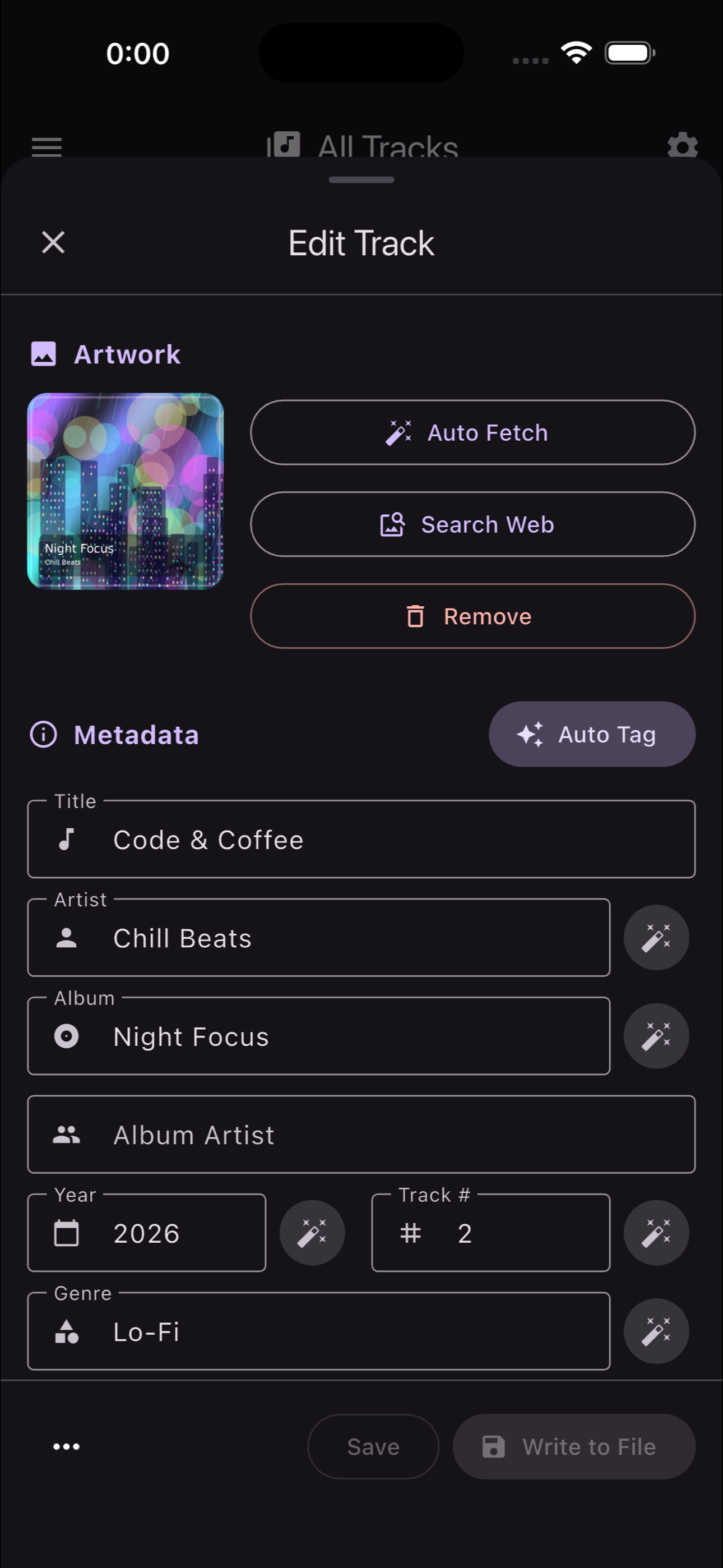
- Mood & Genre Tags — Assign mood and genre labels to tracks for smart filtering and discovery
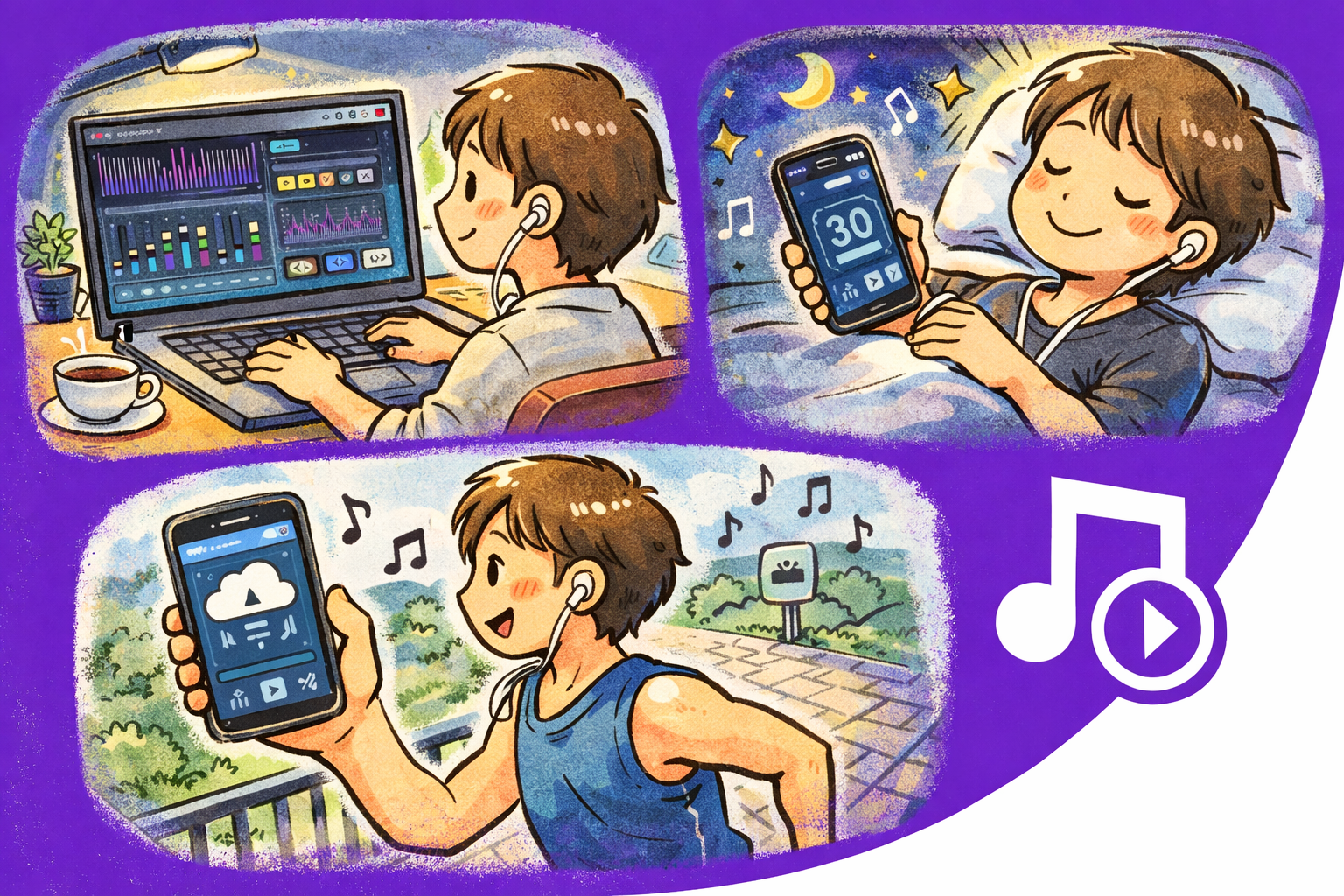
- Sleep Timer — Set a countdown to fade out and stop playback automatically. Perfect for bedtime listening
- Listening Statistics — Track play counts, total listening time, favorite tracks, and top genres over time
- Web Link Playback — Paste a URL to stream audio directly without downloading
- Keyboard Shortcuts — Space to play/pause, arrow keys to seek, volume controls — full desktop support
- Theme Customization — Light and Dark modes with Vivid and Chic variants. Adapts to your system preference
Supported Cloud Sources
- Google Drive — Browse and stream audio files directly from your Google Drive
- OneDrive — Access your Microsoft OneDrive music library seamlessly
- Dropbox — Connect your Dropbox account and play files without downloading
- WebDAV — Connect to any WebDAV-compatible server for self-hosted music access
- SFTP — Stream from remote servers over secure SFTP connections
Perfect For
- Managing a music library spread across local storage and cloud services
- Building curated playlists for work, study, exercise, or relaxation
- Exploring your listening habits through detailed statistics
- Fine-tuning audio output with a professional-grade equalizer
- Falling asleep to music with a gentle fade-out timer
Getting Started
- Add music from your device, a cloud source, or a web link
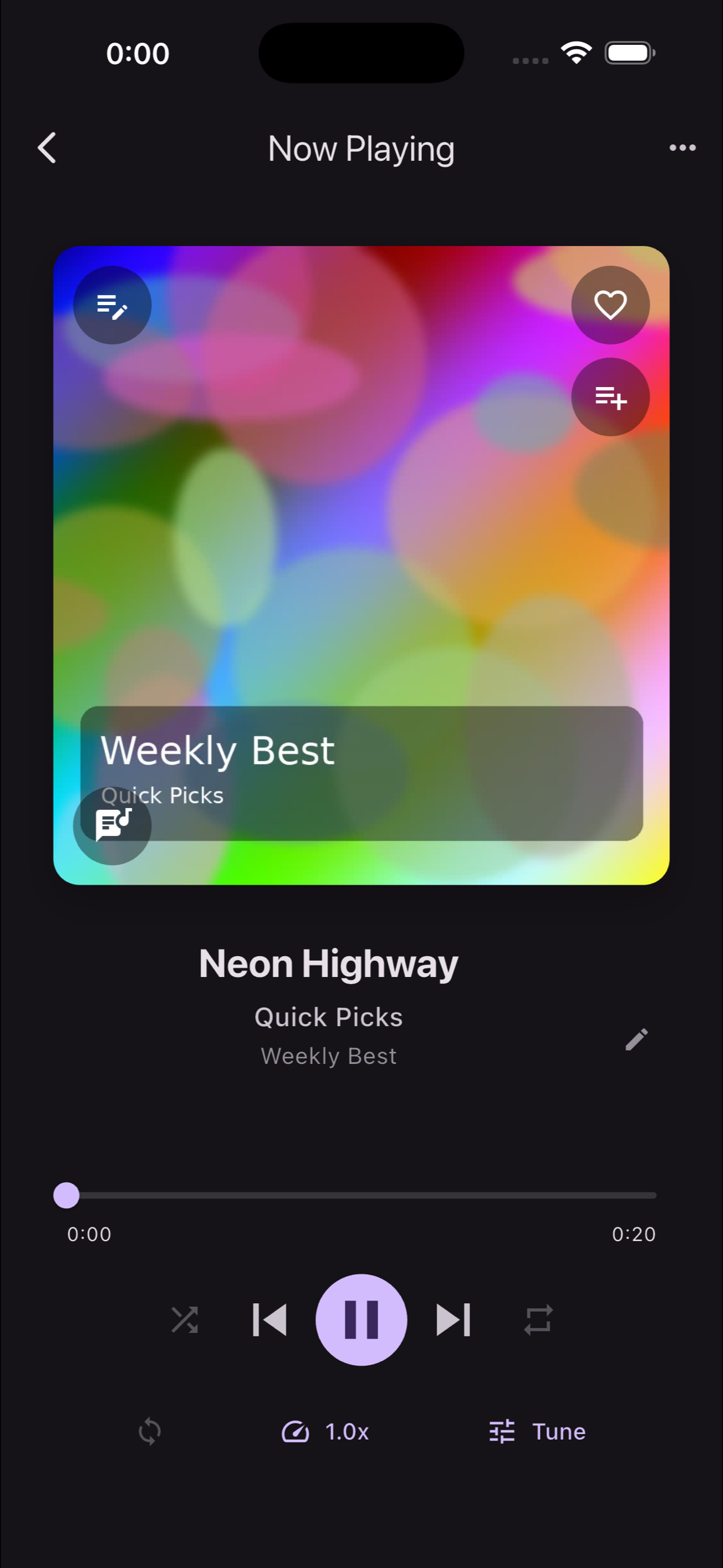
- Browse your library and tap any track to start playing
- Create your first playlist from the Playlists tab
- Open the Equalizer to shape your sound with presets or custom bands
- Tag tracks with moods and genres to organize as your library grows
Privacy & Security
- No account required — start using immediately
- No usage data, analytics, or telemetry is collected
- Cloud credentials are stored securely on your device only
- Listening statistics never leave your device
- Core playback works fully offline