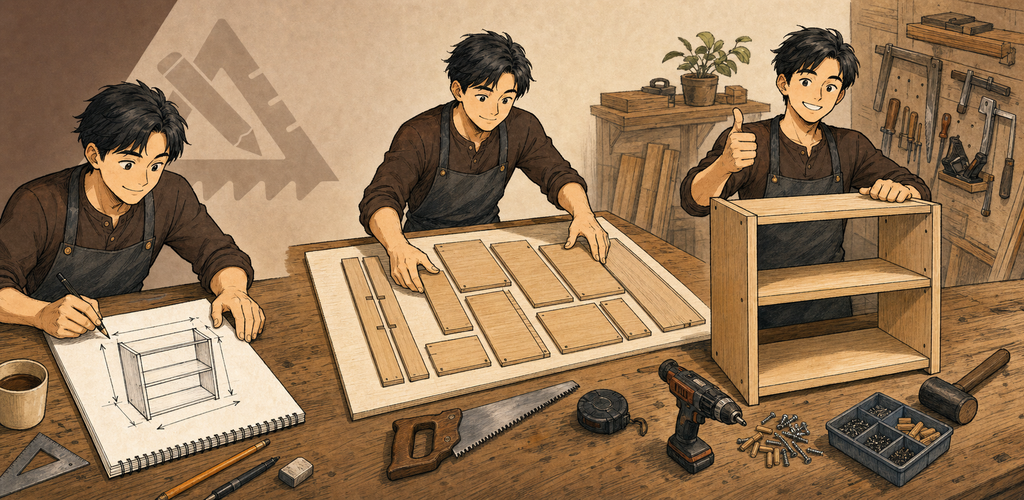
QuickDIY — Woodworking Project Designer QuickDIY conecta un lienzo de proyecto sencillo basado en dimensiones con una planificación de cortes que tiene en cuenta el material disponible y con información lista para el taller.
¿Por qué QuickDIY?
QuickDIY conecta un lienzo de proyecto sencillo basado en dimensiones con una planificación de cortes que tiene en cuenta el material disponible y con información lista para el taller.
Funciones principales
- Diseño acotado: Cree piezas rectangulares y colóquelas en las vistas Superior, Frontal, Lateral o ISO.
- Materiales preestablecidos: Asigne tableros, madera, colores, dirección de la veta, coste y tratamiento de cantos.
- Plan de corte: Tenga en cuenta el tamaño del material, el grosor del corte, el margen de recorte, el bloqueo de veta, el canteado y las piezas sin colocar.
- Piezas y herrajes: Controle las etiquetas de las piezas, las cantidades, los herrajes, el coste y los requisitos de la lista de compra.
- Modo taller: Use una vista de solo lectura con texto más grande para la tienda o el taller.
- Exportación del proyecto: Genere salidas de corte, etiquetas, montaje y compra listas para el taller, conservando los proyectos .qdiy.
Del diseño al plan de corte
Las mismas piezas del proyecto alimentan el lienzo, la tabla de piezas, el cálculo de material, las etiquetas, la lista de compra, los avisos y el Modo taller.
Ideal para
- Estanterías, armarios, cajas, bancos de trabajo y muebles sencillos
- Carpinteros que planifican tableros y madera dimensionada
- Estimar material, herrajes, canteado y coste del proyecto
- Llevar al taller una secuencia de corte y una lista de compra claras
Primeros pasos
- Cree un proyecto .qdiy o empiece con una plantilla.
- Añada piezas rectangulares e introduzca la anchura, la profundidad, el grosor y la posición exactas.
- Asigne materiales, veta, etiquetas, cantos y herrajes.
- Abra el Plan de corte y resuelva las piezas sin colocar o los avisos de material.
- Revise el Modo taller y exporte después la salida de corte, etiquetas, compra o montaje que necesite.
Privacidad & seguridad
- Los proyectos y los cálculos se procesan localmente.
- La Biblioteca solo analiza las ubicaciones que usted configure.
- Los metadatos del proyecto y las exportaciones permanecen en el almacenamiento elegido por el usuario.
- No se necesita cuenta para el trabajo de diseño principal.
Prueba, Free y Pro
La prueba estándar de siete días es sin anuncios. Después de la prueba, la versión gratuita conserva todas las funciones y puede mostrar publicidad en móvil o un recordatorio diario de apoyo en escritorio. QuickDIY Pro elimina esos anuncios y recordatorios mediante una suscripción anual o una compra única de por vida.
Términos de uso: https://kakitiro.com/quickapps/quickdiy/terms/