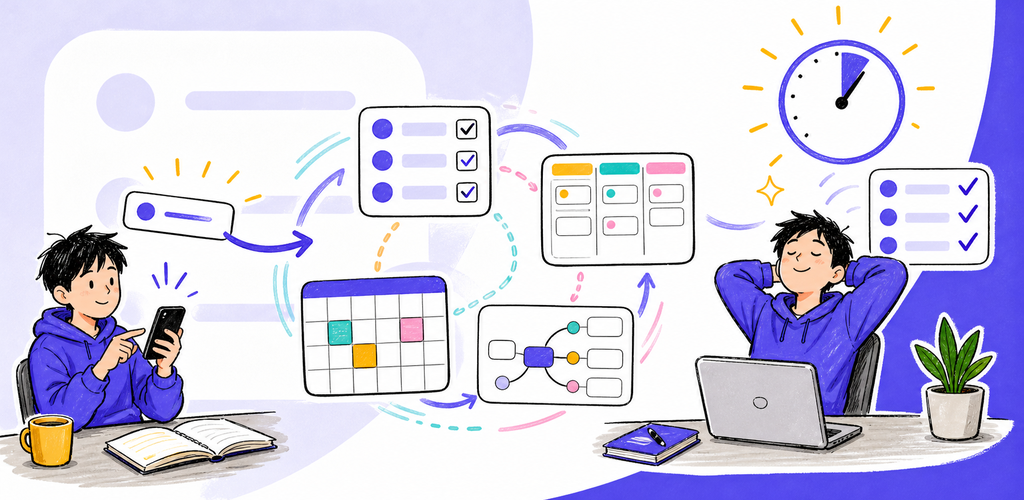
QuickTask — Multi-View Task Manager QuickTask keeps one task source of truth while offering eight projections for daily work, planning, prioritization, hierarchy, and review.
Why QuickTask?
QuickTask keeps one task source of truth while offering eight projections for daily work, planning, prioritization, hierarchy, and review.
Key Features
- Eight synchronized views: List, Board, Timeline, Tree, Calendar, Matrix, Table, and Mind Map edit the same tasks.
- Markdown ownership: Tasks remain portable files with stable identity and user-controlled storage.
- Projects and folders: Organize work hierarchically across capable local, cloud, and remote locations.
- Quick Add and command palette: Capture structured tasks quickly and reach common operations from the keyboard.
- Time and focus: Start task timers, Pomodoro-style focus, work logs, and task-level history.
- Review and reports: Triage Inbox, bulk edit, archive, trash, reports, exports, privacy shield, and reviewed AI assistance.
One Task, Eight Views
A change in any projection updates the same task rather than creating a separate board card, calendar event, or mind-map copy.
Perfect For
- Personal projects, work planning, and multi-step deliverables
- People who switch between list, board, timeline, calendar, and hierarchy views
- Time tracking and focus sessions attached to real tasks
- Portable task data in user-controlled folders
Getting Started
- Add a Task Location or choose an existing project.
- Use Quick Add or New Task to capture the title, date, project, tags, and notes.
- Choose the view that fits the current decision: daily work, priority, schedule, or hierarchy.
- Use the Inspector, timers, checklist, dependencies, and bulk actions to execute work.
- Review Inbox, reports, archive, and trash to keep the system current.
Privacy & Security
- Task files remain in locations you control.
- Privacy Shield masks sensitive previews without changing the underlying task data.
- AI Assist uses reviewable proposals and a visible data-send boundary.
- App Lock and storage capability checks protect access without claiming unavailable security.
Trial, Free, and Pro
The standard seven-day trial is ad-free. After the trial, Free keeps the full feature set and may show mobile advertising or a daily desktop support reminder. QuickTask Pro removes those ads and reminders through a yearly subscription or a one-time lifetime purchase.
Terms of Use: https://kakitiro.com/quickapps/quicktask/terms/